
Translation of Shapes by Michael Bailey
Loading the math board and drawing, please wait…
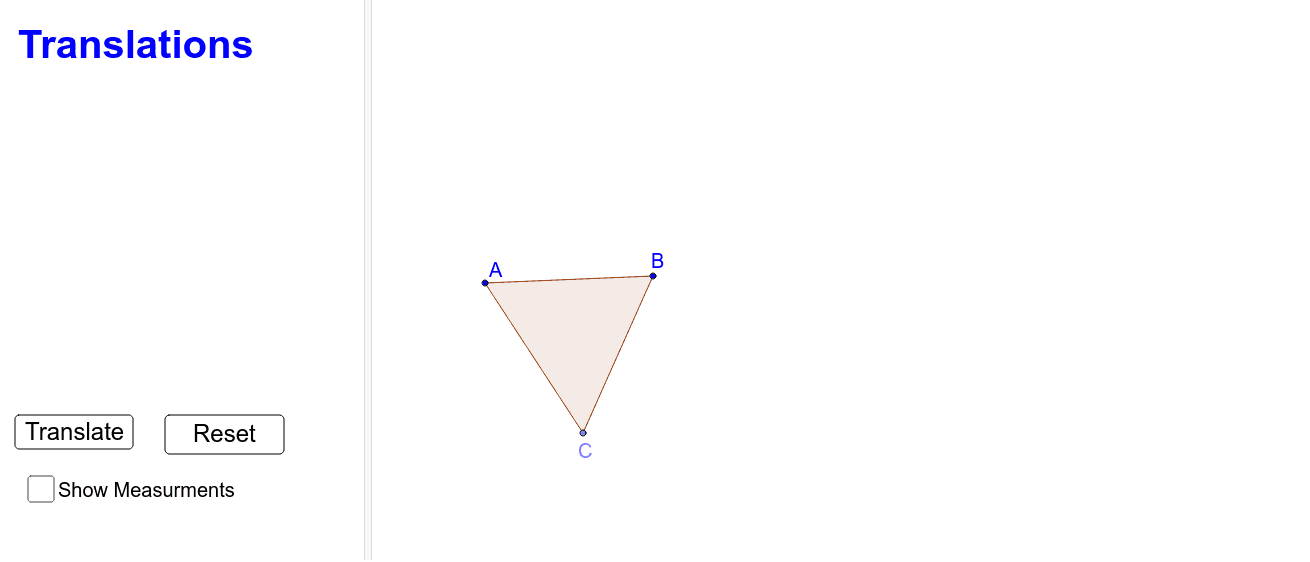
This example demonstrates the concept of shape translation. Key mathematical concepts include translation transformation. Using GeoGebra commands such as Polygon, Segment, Point, Vector, etc., the translated shape can be constructed. Suitable for students at junior high school level and above to learn geometric transformations.
GeoGebra Commands & Parameters
Polygon(A, B, C) → poly1, c, a, bSegment(A, A_2) → dSegment(B, B_2) → eSegment(C, C_2) → fPoint(d) → A'Point(e) → B'Point(f) → C'Vector(A, A') → uVector(B, B') → vVector(C, C') → wPolygon(A', B', C') → poly2, c', a', b'Angle(C, A, B) → αAngle(A, B, C) → βAngle(B, C, A) → γDistance(A, B) → distanceABDistance(B, C) → distanceBCDistance(C, A) → distanceCA
AI Drawing Prompt Reference
Draw a triangle and then sketch line segments from each vertex to their corresponding new positions, labeling these as vectors. Next, construct a new triangle using these vectors to show the translation of the shape. Finally, annotate the lengths of the sides for both triangles and the angles at each vertex to highlight the geometric properties of the translation transformation.
The prompt above was compiled from the original drawing commands and is for reference only.