
Transformations Review Activity: Rotations, Reflections, Translations, and Dilat
Loading the math board and drawing, please wait…
In collections
Rotations
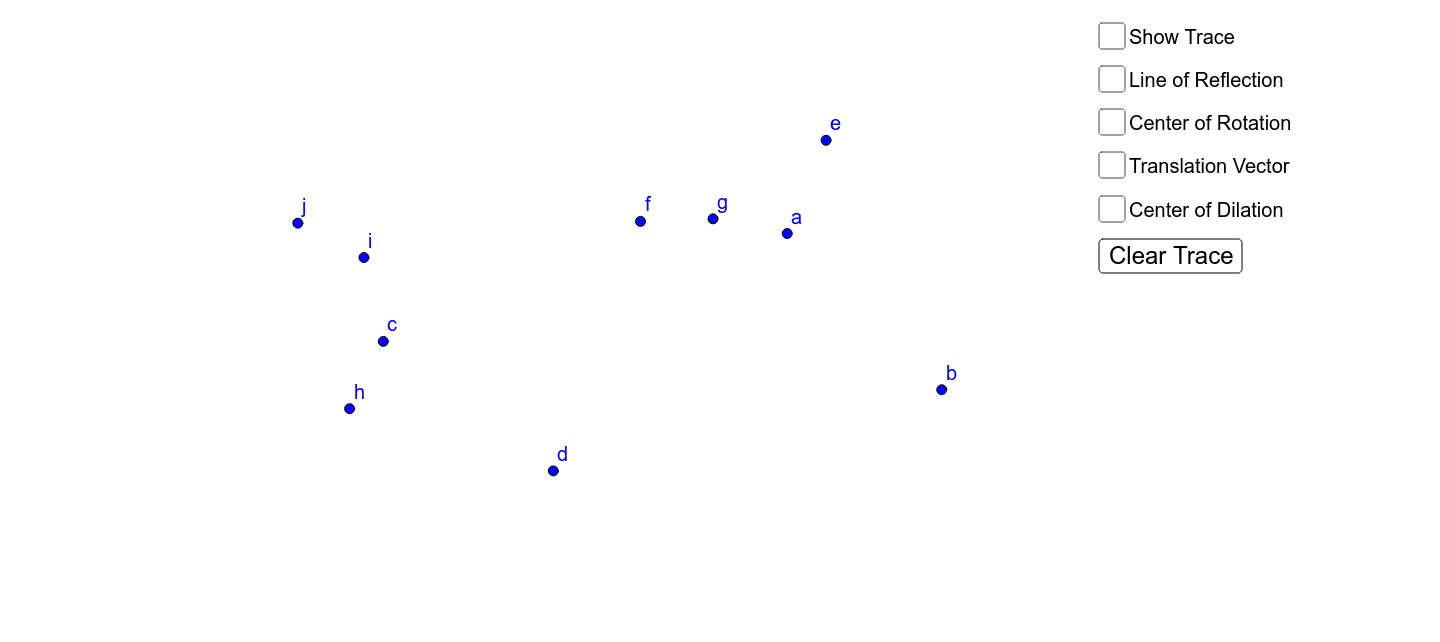
① This interactive review activity demonstrates four fundamental geometric transformations—rotation, reflection, translation, and dilation—using a triangle and its transformed images. ② Core mathematical concepts include isometries (rotation, reflection, translation) and similarity transformations (dilation), along with composition of transformations and correspondence between original and image points. ③ Construction highlights: based on the summary, the activity employs GeoGebra commands such as Line, Mirror, Point, Vector, Translate, Rotate, and Dilate, creating the original triangle ABC and its images (e.g., A', F', H', L'), with a button (button1) to guide the review process; objects include points, lines, vectors, and multiple transformed results. ④ Suitable for middle or high school geometry classes as a review tool or self-study exercise, helping students consolidate understanding of transformation properties and observe changes in position, size, and orientation of figures.
GeoGebra Commands & Parameters
Line(B, C) → aMirror(A, a) → A'Point(yAxis) → DVector(D, E) → uTranslate(F, u) → F'Rotate(H, 180*°, G) → H'Rotate(I, 90*°, J) → I'Dilate(L, 2, K) → L'
AI Drawing Prompt Reference
Draw a triangle and show four geometric transformations: first, draw a line through two vertices of the triangle's base, then reflect the third vertex across this line to get a reflected triangle; pick a point on the y-axis, create a vector from it, and translate another triangle along this vector; then rotate two separate triangles by 180 degrees and 90 degrees around given points; finally, dilate a triangle by a factor of 2 about a center point. Display all transformed images together with the original triangle, and include a button to step through the transformations.
The prompt above was compiled from the original drawing commands and is for reference only.