
Transformations as Functions: Symmetry and Quadratic Function Practice
Loading the math board and drawing, please wait…
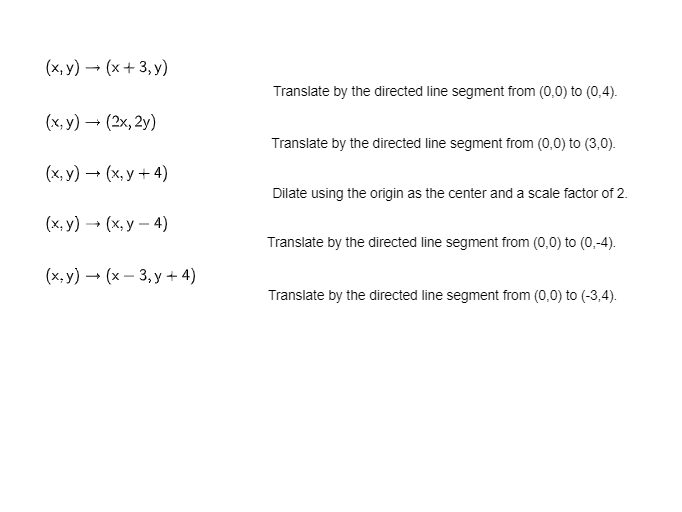
This example demonstrates how common geometric transformations (translation, rotation, reflection, scaling) can be modeled and applied as functions, so that each point or curve is mapped according to a rule. Students can visually track how the graph changes under the transformation and how symmetry properties emerge. Key math ideas include function-based coordinate mapping, symmetry and invariants, and connections to quadratic-function behavior and graph interpretation. In GeoGebra, the construction centers on defining a transformation rule from an input point/graph, generating the corresponding transformed objects from the function, and then comparing the pre- and post-transformation shapes (optionally using a symmetry axis or parameters to highlight what stays the same and what changes). No specific GeoGebra command list is provided in the source, so the build is best understood as “define a mapping function and generate transformed points/curves.” Suitable for upper-secondary through early undergraduate learners, especially for lessons linking functions with geometry and for visualization-based practice.
AI Drawing Prompt Reference
Draw a diagram showing how common geometric transformations (translation, rotation, reflection, scaling) can be modeled and applied as functions, mapping each point or curve according to a rule. Include the original graph and its transformed versions under different transformations to visually compare pre- and post-transformation differences, highlighting symmetry and invariants. Optionally add a symmetry axis or parameters to emphasize what stays the same and what changes, demonstrating function-based coordinate mapping, symmetry, invariants, and connections to quadratic function behavior and graph interpretation.
The prompt above was compiled from the original drawing commands and is for reference only.