
Transformation Project Example
Loading the math board and drawing, please wait…
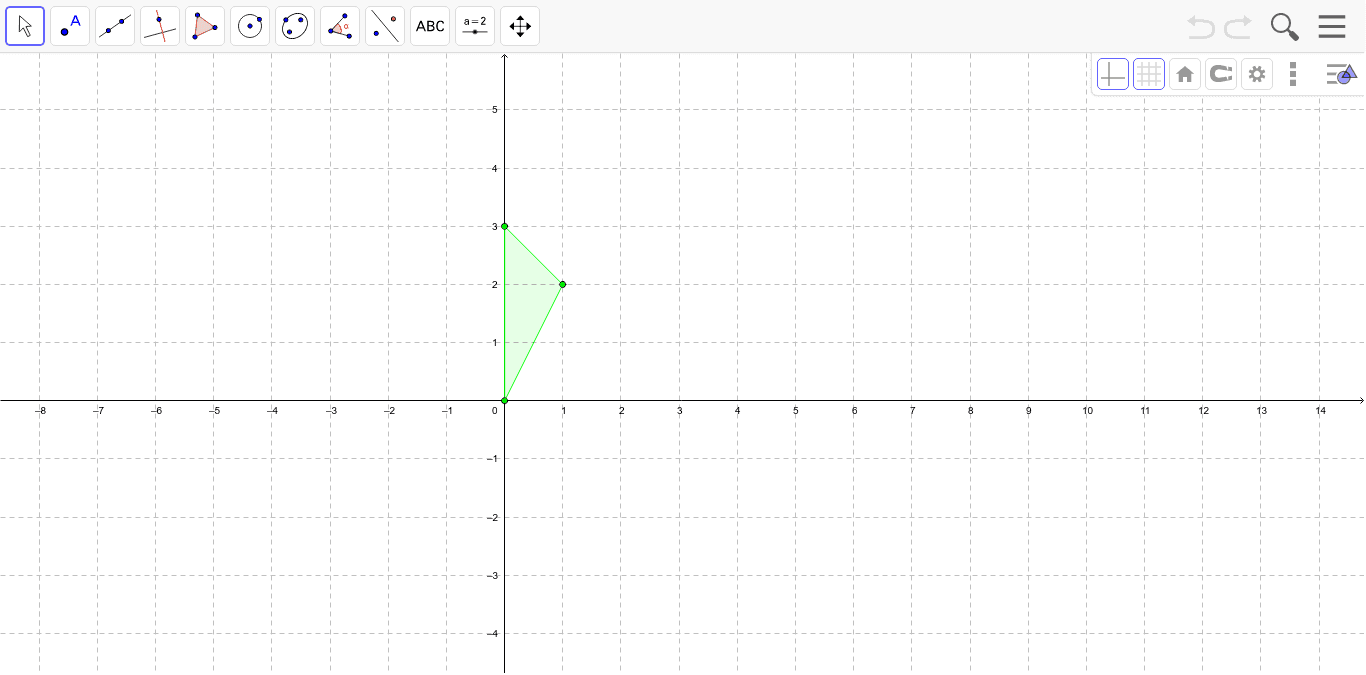
This example demonstrates how students can recreate a given image using transformations. Key mathematical concepts include reflection, rotation, and translation. Using GeoGebra commands such as Intersect, Point, and Polygon, students can perform geometric constructions. Suitable for middle school and above students learning geometric transformations.
GeoGebra Commands & Parameters
Intersect(xAxis, yAxis) → APoint(yAxis) → CPolygon(A, B, C) → poly1, c, a, b
AI Drawing Prompt Reference
Draw a triangle by first marking a point at the intersection of the x-axis and y-axis, then marking another point on the y-axis, and finally connecting these three points.
The prompt above was compiled from the original drawing commands and is for reference only.