
The Pentagon: Geometric Construction Example
Loading the math board and drawing, please wait…
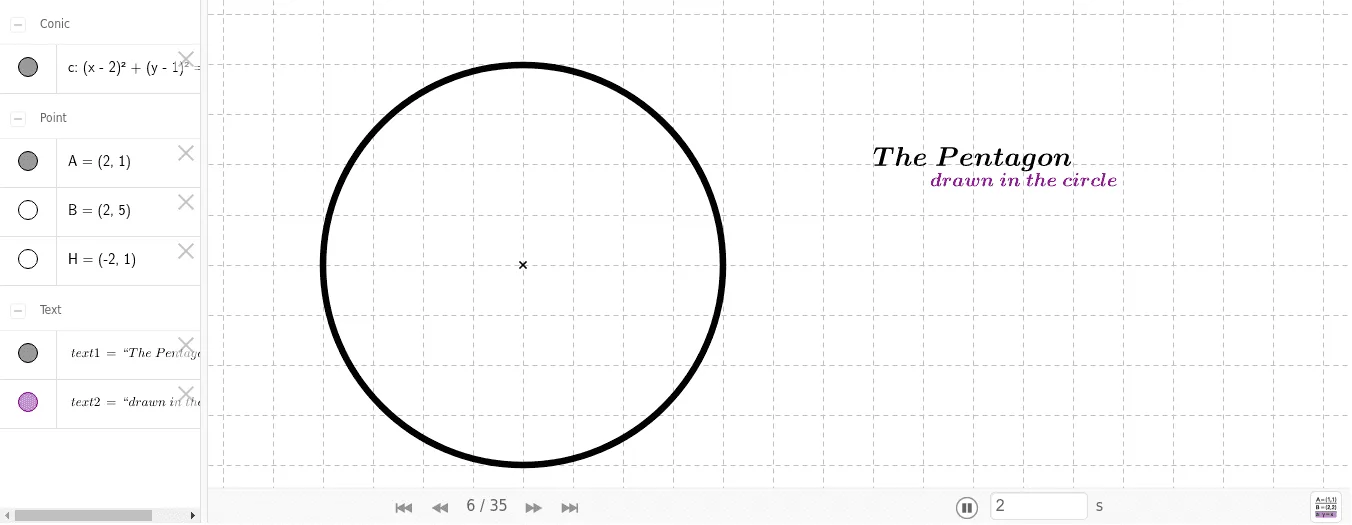
This example demonstrates the geometric construction of the Pentagon shape, involving polygons, circles, and angles. The construction uses GeoGebra commands like Circle, Point, Line, and Intersect. It is suitable for middle or high school mathematics to understand geometric construction and the combination of geometry and functions.
GeoGebra Commands & Parameters
Circle(A, B) → cPoint(c) → HLine(A, H) → bPoint(c) → ILine(A, I) → fPoint(c) → CCircle(A, D) → dCircle(C, E) → eIntersect(d, e, 1) → FIntersect(d, e, 2) → GLine(F, G) → aIntersect(b, a) → JIntersect(c, f, 1) → KCircle(J, K) → gIntersect(g, b, 2) → LCircle(K, L) → hIntersect(c, h, 1) → MIntersect(c, h, 2) → NCircle(N, K) → kIntersect(c, k, 2) → OCircle(O, N) → pIntersect(c, p, 2) → PCircle(P, O) → qIntersect(c, g, 1) → QSegment(M, K) → iSegment(K, N) → jSegment(N, O) → lSegment(O, P) → mSegment(P, M) → n
AI Drawing Prompt Reference
Draw a pentagon by first drawing a circle, then marking points on the circle and connecting them to the center to form line segments. Next, draw another circle centered at the same point and intersect it with the first circle to get two points. Connect these points to form a line, which intersects with the previous line segments to find new points. Repeat this process to construct all five vertices of the pentagon and finally connect them to complete the shape.
The prompt above was compiled from the original drawing commands and is for reference only.