
Symmetry Test
Loading the math board and drawing, please wait…
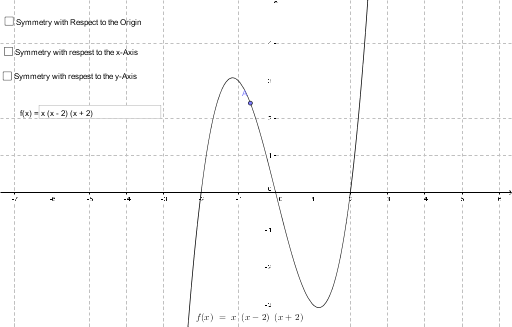
This example demonstrates how to test the symmetry of a function graph using mirror points. It involves core mathematical concepts like symmetry, function graphs, and mirror transformations. Key GeoGebra commands and objects used include Point, Mirror, and Textfield. Suitable for high school mathematics teaching to understand the determination of function graph symmetry.
GeoGebra Commands & Parameters
Point(f) → AMirror(Mirror[A, a], b) → BMirror(A, a) → CMirror(A, b) → DTextfield(f) → InputBox1
AI Drawing Prompt Reference
Draw a function graph and demonstrate how to test its symmetry. Start by marking a point on the function, then create two mirrored points by reflecting it over two different lines. Next, reflect the original point and the two new points over their respective lines to get four points. Finally, display the function equation on the graph and connect the points with lines to illustrate the symmetry relationships.
The prompt above was compiled from the original drawing commands and is for reference only.