
Symmetry: Geometric Construction and Shape Transformation
Loading the math board and drawing, please wait…
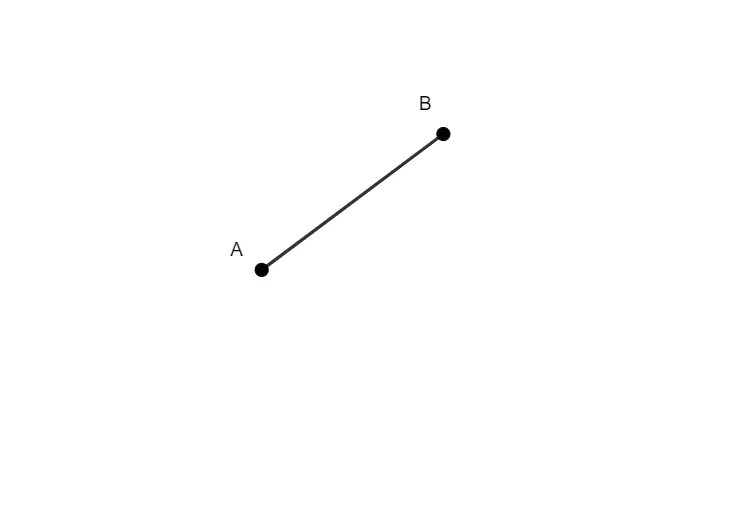
①This example demonstrates how to construct a segment in GeoGebra and observe the symmetry of shapes, focusing on how the axis of symmetry affects the position and form of the figure. ②Core mathematical concepts include axial symmetry, reflection transformation, symmetric properties of geometric figures, and using symmetry to simplify analysis and construction. ③Construction highlights: Based on the construction summary, the Segment command is used to create segment AB, and an object f (likely the symmetry axis or auxiliary line) is defined; by observing the relationship between the segment and the axis, learners understand the reflection transformation. ④Suitable for middle school geometry lessons on symmetry, shape transformation, or introductory geometric construction, as well as for teacher demonstrations or student self-exploration of symmetric properties. This example emphasizes the combination of hands-on operation and mathematical reasoning to develop spatial visualization skills.
GeoGebra Commands & Parameters
Segment(A, B) → f
AI Drawing Prompt Reference
Draw a line segment AB and a line f as the axis of symmetry. Observe the reflection transformation of line segment AB with respect to line f to understand the properties of axial symmetry. First, draw line segment AB, then draw line f, and finally observe the relationship between line segment AB and line f to understand the reflection transformation.
The prompt above was compiled from the original drawing commands and is for reference only.