
Symmetry Exploration
Loading the math board and drawing, please wait…
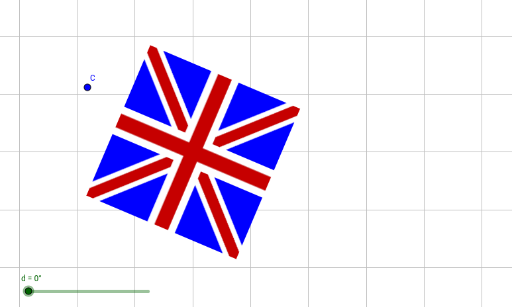
This example demonstrates the symmetry of isosceles triangles. Key mathematical concepts include symmetry, congruence, fractions, and geometry. Using the Rotate command, the construction of symmetric figures of isosceles triangles is illustrated. Suitable for middle school geometry education, aiding students in understanding symmetry and congruence.
GeoGebra Commands & Parameters
Rotate(pic1, 22°, D) → pic1'Rotate(pic1', d, C) → pic1''
AI Drawing Prompt Reference
Draw an isosceles triangle, then rotate it 22 degrees around its vertex to create a new triangle, and further rotate this new triangle around one of its vertices by an angle d to demonstrate the symmetry and congruence of the isosceles triangle, illustrating geometric transformations through rotation.
The prompt above was compiled from the original drawing commands and is for reference only.