
Surface Area of Revolution
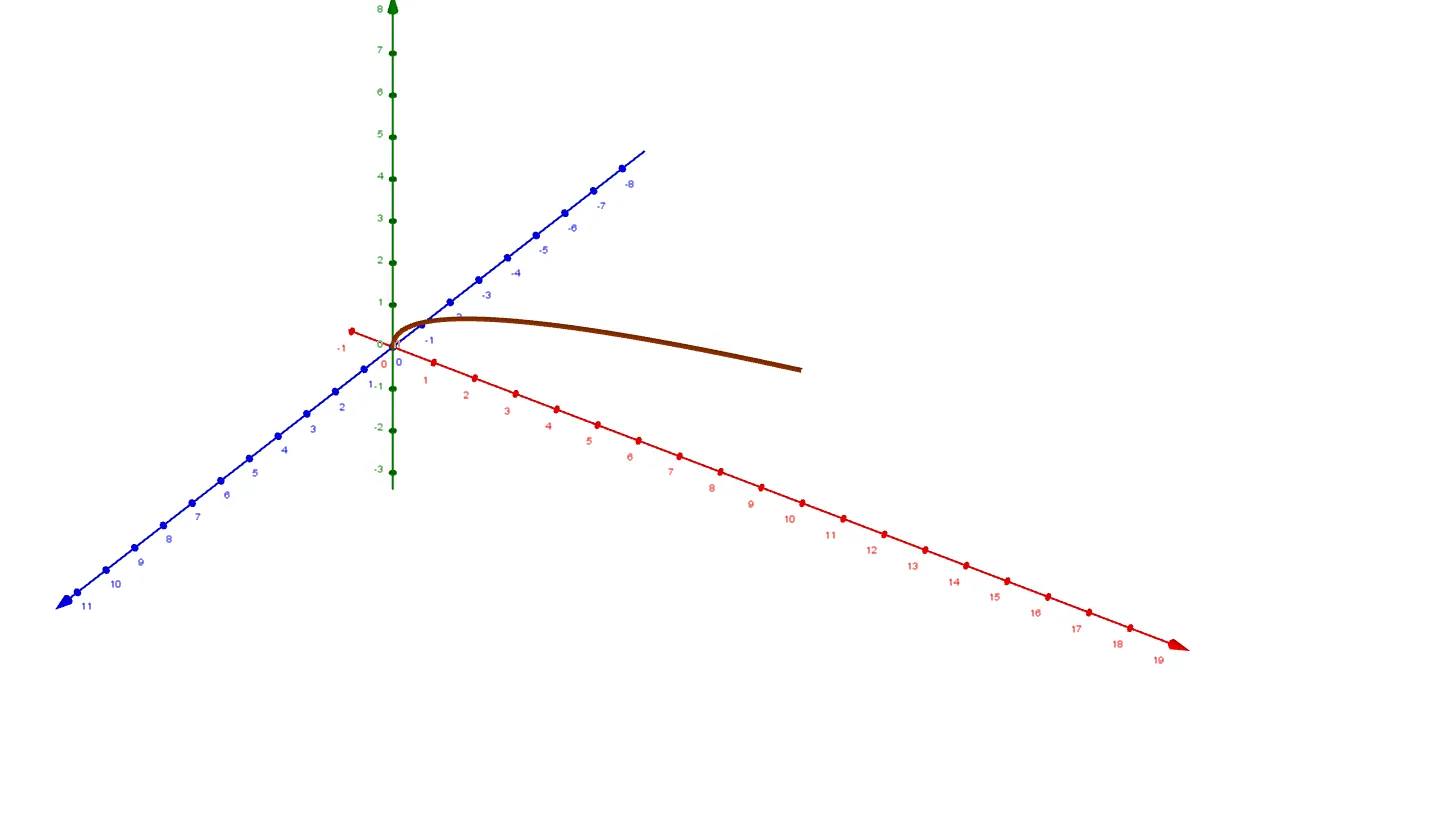
Loading the math board and drawing, please wait…
This example demonstrates how to generate a surface by rotating a curve and calculate its surface area, involving core math concepts like integral calculus, surface generation principles, and geometric construction. Key GeoGebra commands/objects used include Surface, Point, Segment for constructing the demonstration. Suitable for high school and above students to understand the calculation method and geometric meaning of surface area of revolution.
GeoGebra Commands & Parameters
Surface(g, n, xAxis) → aSurface(h, n_1, i) → bPoint(i) → APoint(i) → BSegment(A, B) → jPoint(j) → CPoint(h) → ESegment(C, E) → k
AI Drawing Prompt Reference
Draw a rotating surface to demonstrate the geometric solid formed by rotating a curve around an axis, labeling key points and segments. Start by creating the surface of revolution, then mark a point on the curve and two points on the rotation axis, connecting these points to form a segment. Next, draw a perpendicular line from the curve point to the axis, and connect the foot of this perpendicular to a corresponding point on the surface to illustrate the principle of surface area calculation.
The prompt above was compiled from the original drawing commands and is for reference only.