
Surface Area of Pyramids (Part 2)
Loading the math board and drawing, please wait…
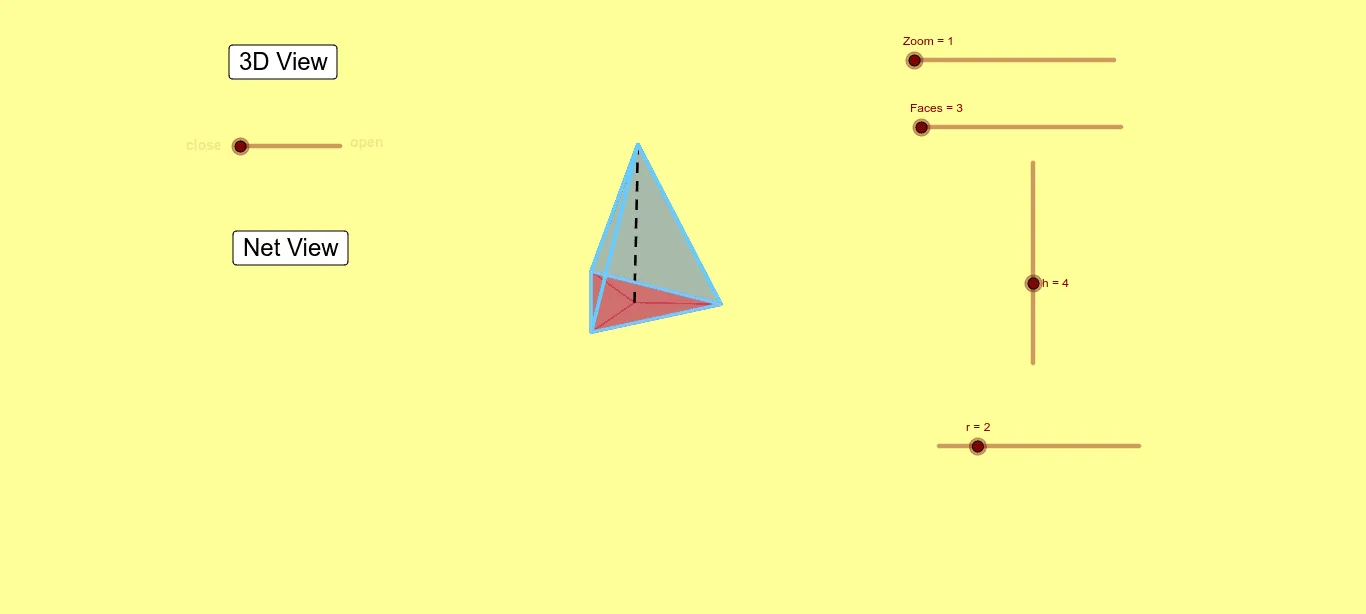
This example demonstrates how to calculate the surface area of a pyramid. It involves important geometric concepts such as the surface area calculation of a pyramid. Using GeoGebra commands like Vector, Translate, Segment, Sequence, etc., it dynamically shows the faces of the pyramid and calculates its total surface area. Suitable for high school mathematics education and learning.
GeoGebra Commands & Parameters
Vector(B_1, Y) → uVector(B_1, Z) → vVector(B_1, X) → wTranslate(O, Vector[(h * w)]) → SVector(S, O) → zTranslate(S, Vector[(sin(k°) * z)]) → S'Segment(O, S) → lSequence((x(O), y(O)) - (r * (((sin(0°) * sin(i°)) * v) + ((cos(0°) * sin(i°)) * v) - (cos(i°) * u))), i, 0, k_2, k_2 / Faces) → liste1Segment(Element[liste1, 1], S) → jOrthogonalLine(View3D, yAxis) → aOrthogonalLine(View3D, xAxis) → bTranslate(O, w) → O'_1Segment(Element[liste1, 1], S) → dSequence(Segment[Element[liste1, i], S], i, 1, Faces) → liste4Sequence(Segment[Element[liste1, i], Element[liste1, i + 1]], i, 1, Faces) → liste3Translate(O, Vector[(f * v)]) → RSequence((x(S'), y(S')) - (aa * (((sin(k°) * sin(i°)) * v) + ((cos(k°) * sin(i°)) * v) - (cos(i°) * u))), i, 0, k_2, k_2 / Faces) → liste6Segment(Element[liste1, 1], Element[liste1, 2]) → mSegment(Element[liste1, 2], S) → qSegment(Element[liste1, 2], O) → c_1Sequence(Midpoint[Element[liste6, i], Element[liste6, i + 1]], i, 0, Faces) → liste7Sequence(Polygon[Element[liste1, i], Element[liste1, i + 1], S], i, 0, Faces) → liste8Sequence(Polygon[Element[liste1, i], Element[liste1, i + 1], O], i, 0, Faces) → liste11Polygon(O, Element[liste1, 1], Element[liste1, 2]) → poly1, d_1, e_1, f_1Sequence(Polygon[Element[liste1, i], Element[liste1, i + 1], Element[liste7, i + 1]], i, 0, Faces) → liste10Sequence(Polygon[Element[liste1, i], Element[liste1, i + 1], Element[liste7, i + 1]], i, 0, Faces) → liste2