
Surface Area of a Cylinder by ca.conwill
Loading the math board and drawing, please wait…
In collections
Surface Area
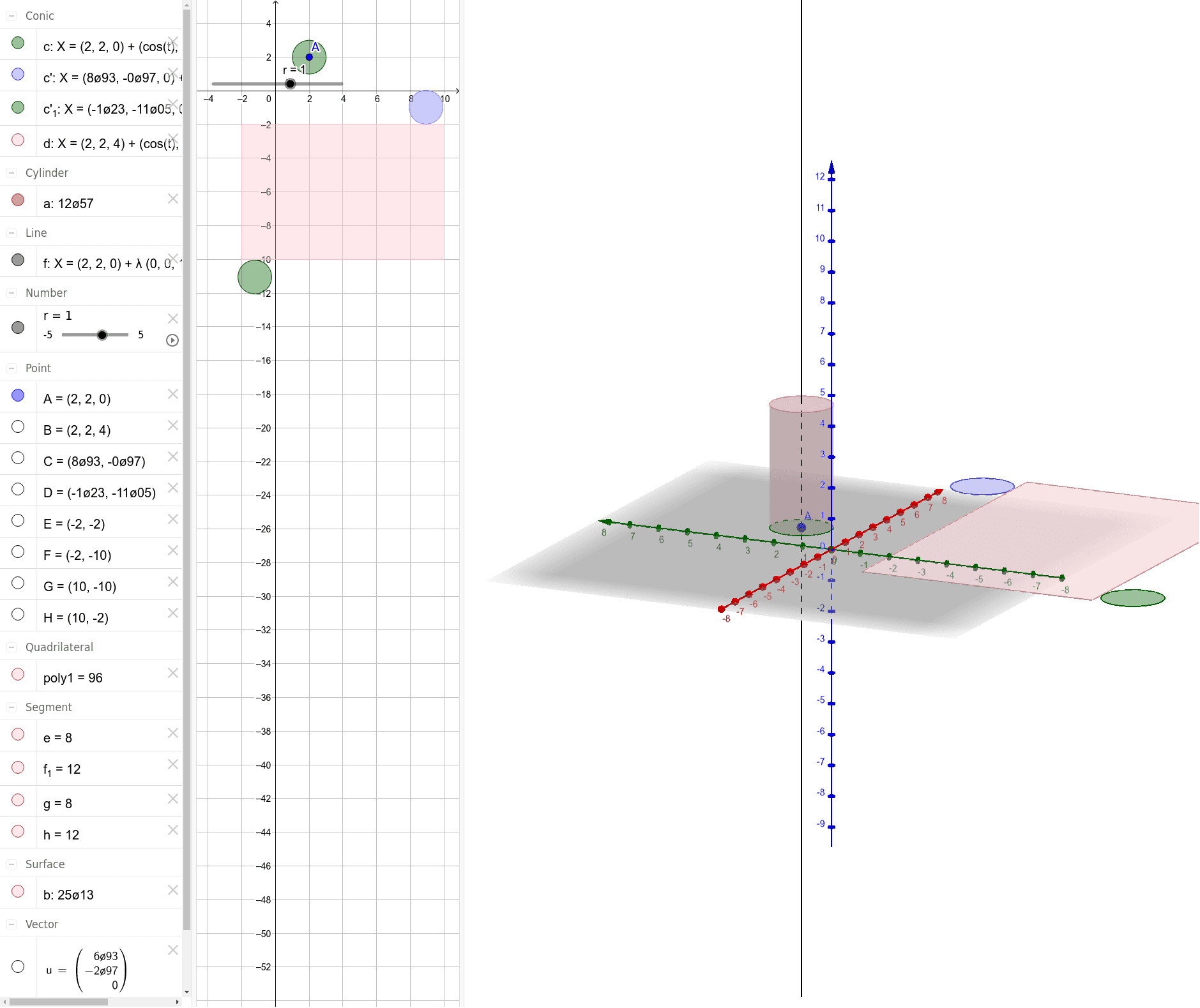
This example demonstrates how to calculate the surface area of a cylinder. Key mathematical concepts include the geometric properties of a cylinder and the area calculation formula. Using GeoGebra commands such as OrthogonalLine, Cylinder, Vector, Translate, etc., the surface area of the cylinder can be dynamically displayed. Suitable for middle school and above students to learn geometry and area calculation.
GeoGebra Commands & Parameters
OrthogonalLine(A, xOyPlane) → fCylinder(A, B, r) → a, c, d, bVector(A, C) → uTranslate(c, u) → c'Vector(A, D) → vTranslate(c, v) → c'_1Polygon(E, F, G, H) → poly1, e, f_1, g, h
AI Drawing Prompt Reference
Draw a cylinder to demonstrate the calculation of its surface area. Start by drawing a line perpendicular to the base, then construct the cylinder using this line and the center of the base circle. Next, draw two vectors from the center of the base to the side of the cylinder, and translate the side of the cylinder in different directions along these vectors to form two quadrilaterals. Finally, combine these quadrilaterals into a complete shape to visually represent the calculation process of the cylinder's surface area.
The prompt above was compiled from the original drawing commands and is for reference only.