
Supplementary Trigonometric Ratios Demo
Loading the math board and drawing, please wait…
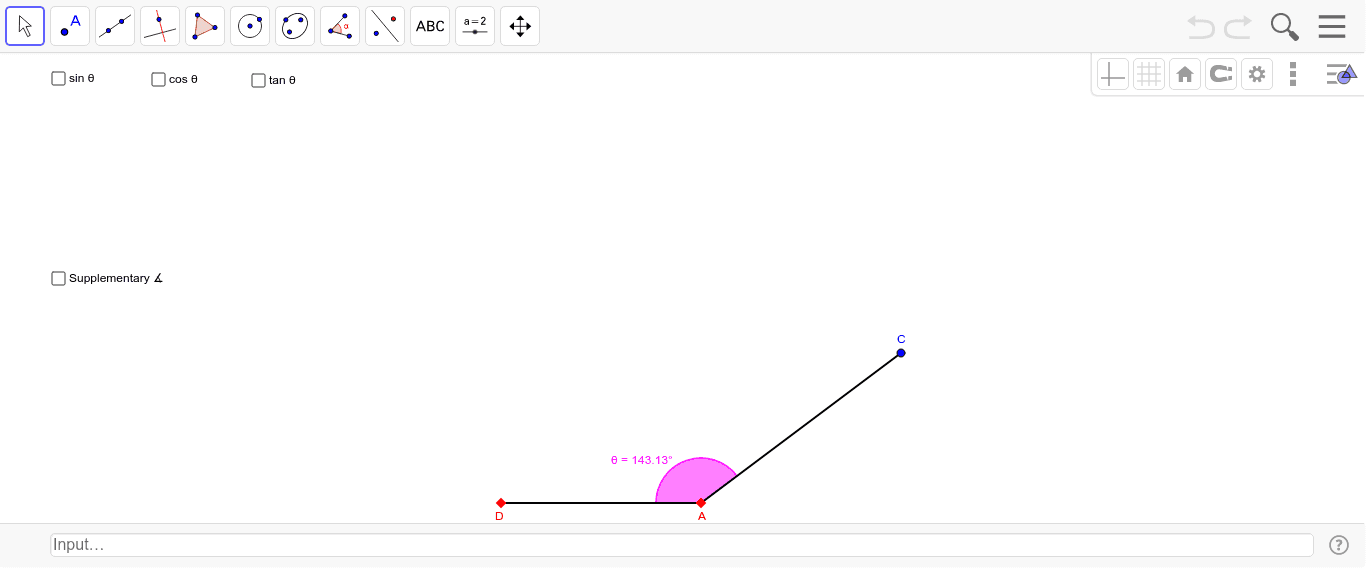
This example demonstrates the relationships of trigonometric functions for supplementary angles (180°-α). It involves core concepts like trigonometric properties, unit circle, orthogonal lines, and similar triangles. Construction uses commands such as Line, Point, OrthogonalLine, Segment, and Angle to draw triangles, unit circles, and angle relationships. Suitable for high school mathematics teaching to understand symmetry and complementary properties of trigonometric functions.
GeoGebra Commands & Parameters
Line(A, Z) → aPoint(a) → BOrthogonalLine(B, a) → bPoint(b) → CSegment(A, B) → ABSegment(B, C) → BCSegment(C, A) → ACAngle(B, A, C) → αAngle(C, B, A) → βPoint(a) → DSegment(D, A) → lAngle(C, A, D) → θSegment(A, C) → t
AI Drawing Prompt Reference
Draw a unit circle and mark angle α on it, then show the supplementary angle (180°-α) with its vertex on the circle. Connect the points where the angle's sides intersect the circle to form a triangle. Draw a perpendicular line from the vertex of angle α to the circle's diameter, marking the foot of the perpendicular and the resulting right triangle. Use distinct colors or line thicknesses to highlight key segments and angles, clearly demonstrating the relationships of trigonometric functions for supplementary angles and symmetry.
The prompt above was compiled from the original drawing commands and is for reference only.