
Subtraction as Distance: A Geometric Visualization
Loading the math board and drawing, please wait…
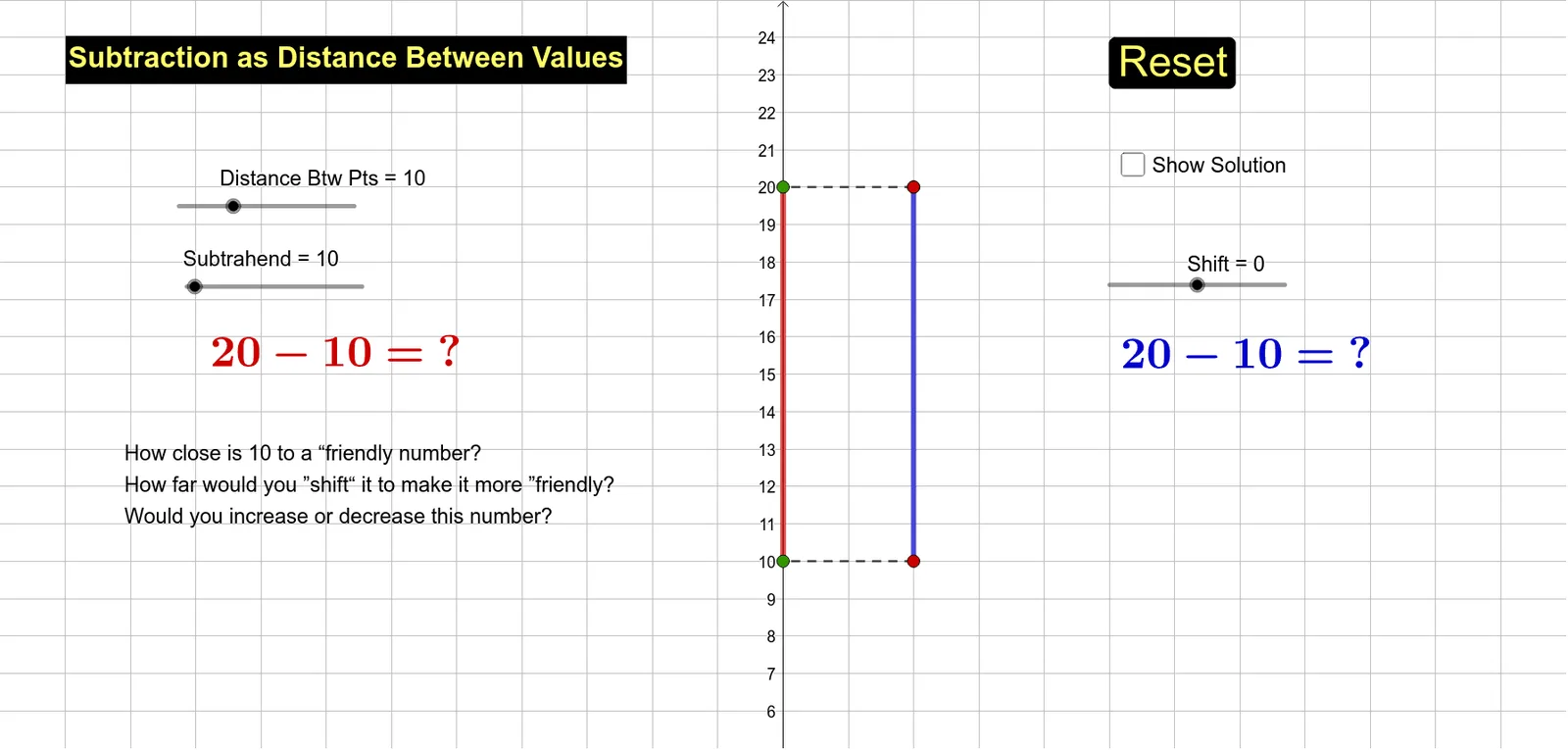
This GeoGebra example demonstrates the concept of subtraction as distance on a number line, turning the abstract algebraic operation into a visual segment length. It involves core mathematical ideas such as subtraction, distance, midpoints, rotation, equilateral triangles, and piecewise functions, with an implicit connection to optimization problems. The construction uses GeoGebra commands including Point, Segment, Rotate, and Midpoint, creating numerous objects like points A, B, f, A', B', f', segments s, g, h, and various transformed copies via rotation and midpoint operations. Text objects label key relationships. This resource is suitable for middle school students learning the meaning of subtraction, and for high school students exploring geometric transformations and piecewise function modeling. It serves as an excellent bridge between algebra and geometry in mathematics education.
GeoGebra Commands & Parameters
Point(Circle[A, n]) → BSegment(A, B) → fRotate(A, 90°, A) → A'Rotate(B, 90°, A) → B'Segment(A', B') → f'Point(Circle[M, n]) → CSegment(M, C) → gRotate(M, 90°, M) → M'Rotate(C, 90°, M) → C'Segment(M', C') → g'Point(Circle[M, 2]) → DSegment(M, D) → hRotate(M, 180°, M) → M'_1Rotate(D, 180°, M) → D'Segment(M'_1, D') → h'Point(Circle[C', 2]) → ESegment(C', E) → kRotate(C', 180°, C') → C''Rotate(E, 180°, C') → E'Segment(C'', E') → k'Midpoint(f') → FMidpoint(g') → G
AI Drawing Prompt Reference
Draw two points A and B on a number line, then rotate B 90 degrees around A to get A', and rotate A 90 degrees around A' to get B'. Connect A' and B'. Next, draw a circle with center M and point C on the circle, connect M and C to get segment g, then rotate C 90 degrees around M to get C', and rotate C' 90 degrees around C to get C''. Connect C' and C'' to get segment g'. Then, draw a circle with center M and point D on the circle, connect M and D to get segment h, then rotate D 180 degrees around M to get M', and rotate M' 180 degrees around D to get D'. Connect M' and D' to get segment h'. Next, draw a circle with center C' and point E on the circle, connect C' and E to get segment k, then rotate E 180 degrees around C' to get E'', and rotate E'' 180 degrees around C' to get E'. Connect E'' and E' to get segment k'. Finally, connect the midpoint of A' and B' to get point F, and the midpoint of M and C' to get point G.
The prompt above was compiled from the original drawing commands and is for reference only.