
Step-by-Step Simultaneous Equations
Loading the math board and drawing, please wait…
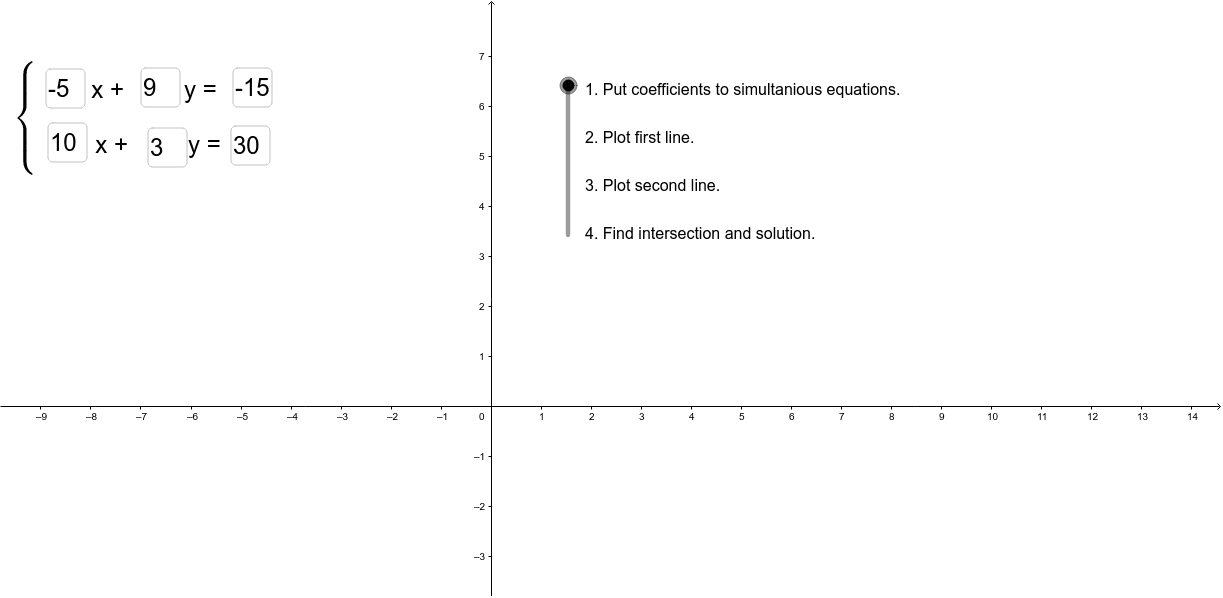
This example demonstrates the step-by-step graphical solution of simultaneous equations. It involves core math concepts like systems of equations, coordinate geometry, and intersection points. Constructed using GeoGebra commands such as Textfield and Intersect, with objects like a, b, c, d, etc., to input parameters, display steps, and calculate intersections. Suitable for middle school students and above learning graphical methods for solving systems of equations, or for educational demonstrations.
GeoGebra Commands & Parameters
Textfield(a) → окноВвода1Textfield(b) → окноВвода2Textfield(c) → окноВвода3Textfield(e) → окноВвода4Textfield(f) → окноВвода5Textfield(g) → окноВвода6Intersect(d, h) → A
AI Drawing Prompt Reference
Draw two lines in the same coordinate system, one determined by parameters a, b, c and the other by e, f, g. Label each line with its equation. Calculate and mark the intersection point of the two lines, highlighting it with a special symbol. Add input boxes next to the graph for entering values of parameters a, b, c, e, f, g, updating the graph and intersection point in real-time.
The prompt above was compiled from the original drawing commands and is for reference only.