
Step-by-Step Parabola Sketch
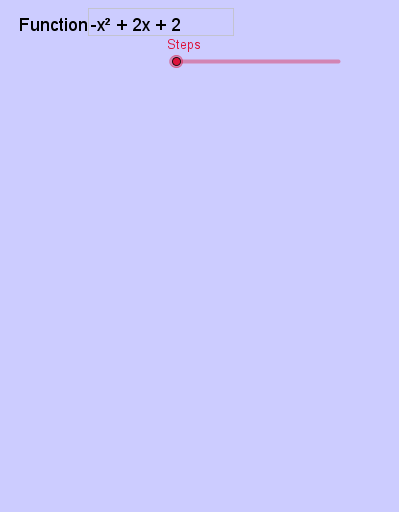
Loading the math board and drawing, please wait…
This example demonstrates the step-by-step process of sketching a parabola. It involves core mathematical concepts such as functions, line segments, arithmetic mean, correlation, isosceles triangles, and coordinate geometry. The construction utilizes GeoGebra commands/objects like Roots (to find roots), Intersect (to find intersections), Extremum (to locate extrema), and Textfield (for text annotations). It is suitable for high school and above students to understand the geometric properties and drawing methods of parabolas.
GeoGebra Commands & Parameters
Roots(f) → A, B, ,Intersect(f, x = 0) → CExtremum(f) → DTextfield(f) → InputBox1Intersect(f, y = 0) → E, F
AI Drawing Prompt Reference
Draw a parabola, label its intersections with the x and y axes, find and mark the vertex, display the function expression, and connect the vertex to the x-axis intersections with line segments to show the geometric properties and drawing steps of the parabola.
The prompt above was compiled from the original drawing commands and is for reference only.