
Square Pattern
Loading the math board and drawing, please wait…
In collections
Symmetry, Transformation and Tessellation
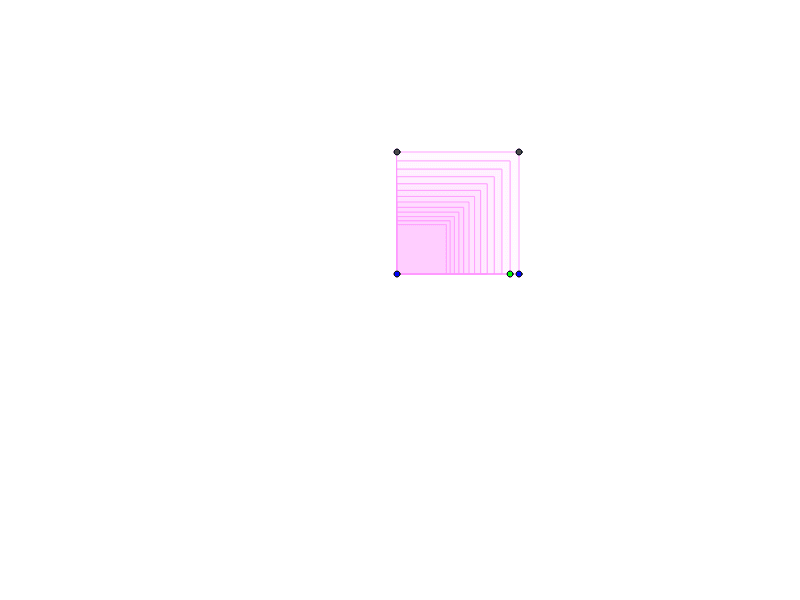
This example demonstrates how to construct a dynamic square pattern using GeoGebra, involving core math concepts like polygon construction, function graphing, integral calculus, continuity, angle calculations, and function applications. Key GeoGebra commands/objects used include Polygon, Point, Angle, and Sequence, making it suitable for high school and above students to explore the integration of geometric constructions and function graphs.
GeoGebra Commands & Parameters
Polygon(A, B, 4) → poly1, a, b, c, d, C, DPoint(poly1) → PPolygon(A, P, 4) → poly2, e, f, g, h, E, FAngle(B, A, P) → αSequence(Rotate[Dilate[poly1, r^(n), A], (n * α), A], n, 0, 12) → list1
AI Drawing Prompt Reference
Create a dynamic square pattern by repeatedly rotating and scaling a square to form a complex geometric design. Start with a square, then calculate the angle between one vertex and the adjacent side. Use this angle to sequentially rotate and scale the original square, generating multiple squares to form a dynamic pattern. Incorporate a slider to control the scaling factor and observe how the pattern changes with different values.
The prompt above was compiled from the original drawing commands and is for reference only.