
Spatial Geometry Cross-Section Visualization
Loading the math board and drawing, please wait…
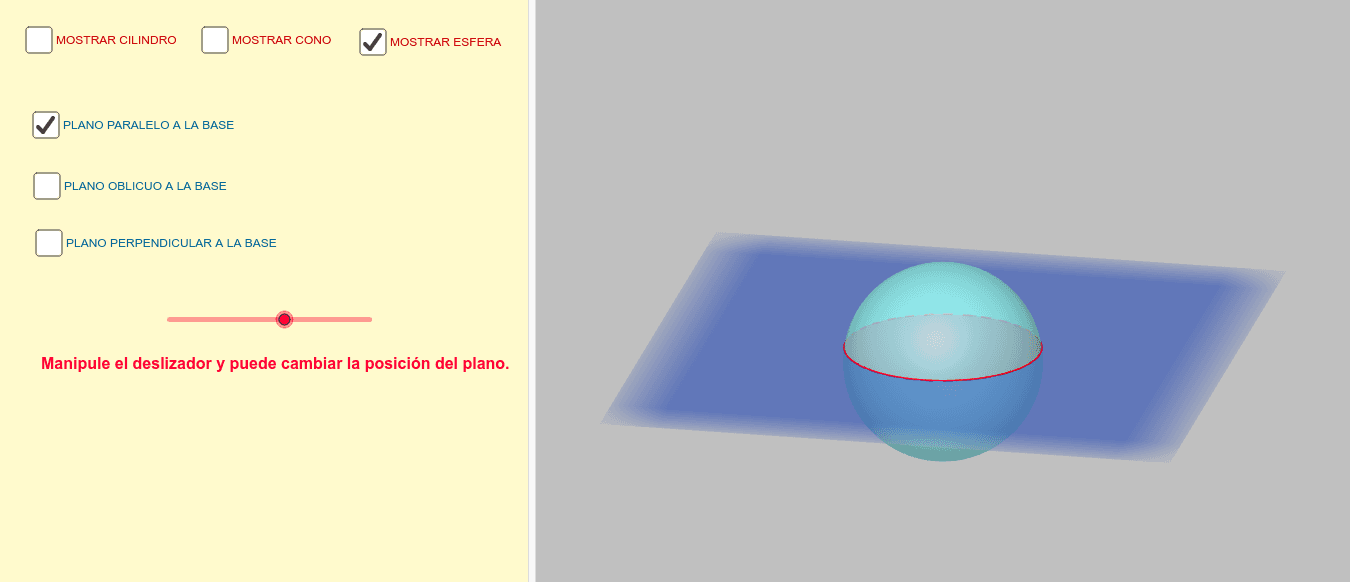
This example demonstrates how to visualize cross-sections of spheres, cones, and cylinders by intersecting them with planes, showcasing the resulting shapes. Key math concepts include solid geometry, cross-sectional geometry, and volume calculations. Construction highlights the use of GeoGebra commands/objects like Circle, Cylinder, Cone, Sphere, OrthogonalPlane, IntersectPath, Corner, Point, Rotate, and Plane. Suitable for high school and above students to learn about spatial geometric solids and their cross-section properties.
GeoGebra Commands & Parameters
Circle(zAxis, A) → cCylinder(c, 4) → a, d, bCircle(zAxis, A) → fCone(f, 4) → g, h, iSphere((0, 0, 0), 2) → kOrthogonalPlane(B, zAxis) → nIntersectPath(n, a) → pIntersectPath(n, g) → qIntersectPath(n, k) → rOrthogonalPlane(C, yAxis) → sIntersectPath(s, a) → c_1Corner(c_1) → D, E, F, GIntersectPath(s, g) → d_1Corner(d_1) → H, I, J, KIntersectPath(s, k) → e_1Point(zAxis) → LRotate(M, 90°, zAxis) → M'Plane(M', M, L) → vIntersectPath(v, a) → f_1Corner(f_1) → N, O, P, QIntersectPath(v, g) → g_1Corner(g_1) → R, S, T, UIntersectPath(v, k) → h_1