
Solving Two-Step Equations with Geometric Construction
Loading the math board and drawing, please wait…
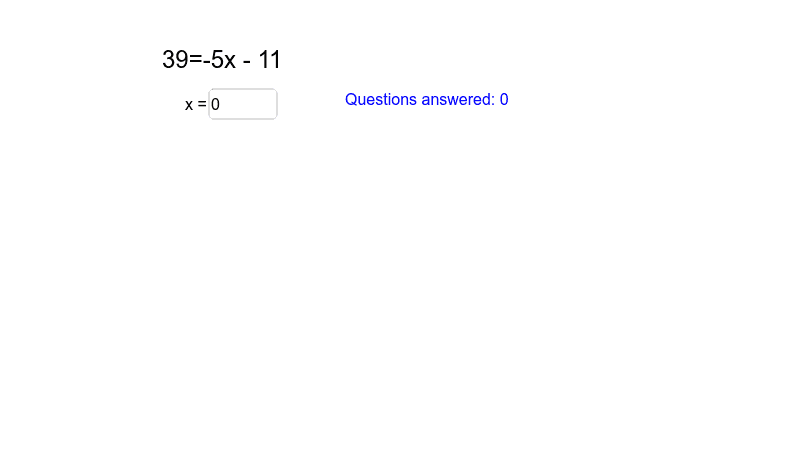
This example demonstrates solving two-step equations using geometric constructions. Key mathematical concepts include equation solving, geometric transformations, and coordinate geometry. Construction involves using GeoGebra commands like RandomElement, Textfield, list1, list2, etc., to build equation models and interact via input boxes and text fields. Suitable for middle school students learning equation solving combined with geometry, useful for classroom teaching or self-study.
GeoGebra Commands & Parameters
RandomElement(list2) → ansRandomElement(list1) → gRandomElement(list2) → mRandomElement(list2) → bTextfield(sol) → inputBox1Textfield(sol_1) → inputBox2
AI Drawing Prompt Reference
Draw a coordinate plane with a randomly generated line defined by a random slope and intercept, and a randomly chosen point serving as a known value; together they form a two‑step equation model. Place two editable text boxes beside the construction for entering the first and second solution steps, illustrating the correspondence between geometric transformations and algebraic solving clearly visually.
The prompt above was compiled from the original drawing commands and is for reference only.