
Solving Problems with Systems of Linear Inequalities in Two Variables
Loading the math board and drawing, please wait…
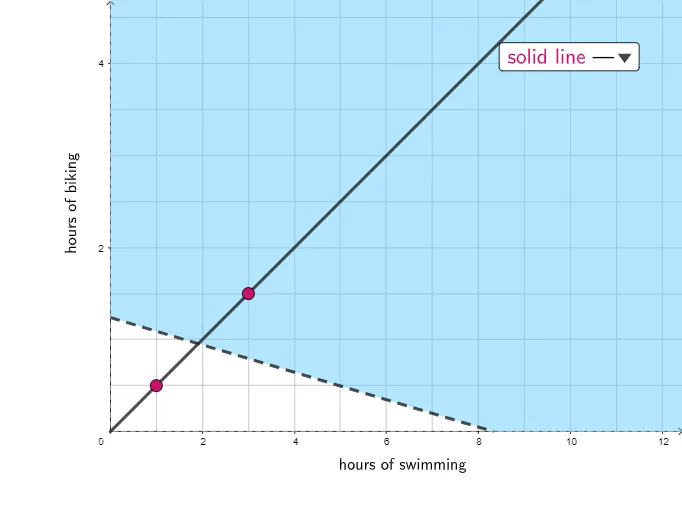
This example demonstrates how to use GeoGebra to graph and analyze systems of linear inequalities. Key math concepts include inequalities, region representation, and linear boundaries. The construction utilizes commands like Polygon, PointIn, Line, and Segment to visually display the solution regions of the inequality systems, with interactive elements like buttons and text for explanation. Suitable for middle school and above students to understand and master the application of inequality systems.
GeoGebra Commands & Parameters
Polygon({(0, 0), (1000, 0), (1000, 1000), (0, 1000)}) → regionPointIn(region) → CPointIn(region) → DLine(C, D) → gSegment(E, F) → f
AI Drawing Prompt Reference
Draw a square region with its lower-left corner at the origin and side length 1000. Place two random points inside this square and connect them with a straight line, which divides the square into two parts. Then take two points outside the square and connect them with a line segment as an additional reference boundary. The overall figure illustrates the solution regions of a system of linear inequalities, showing the feasible area through the relative positions of the line and boundaries.
The prompt above was compiled from the original drawing commands and is for reference only.