
Solving One-Step Equations with a Tape Diagram
Loading the math board and drawing, please wait…
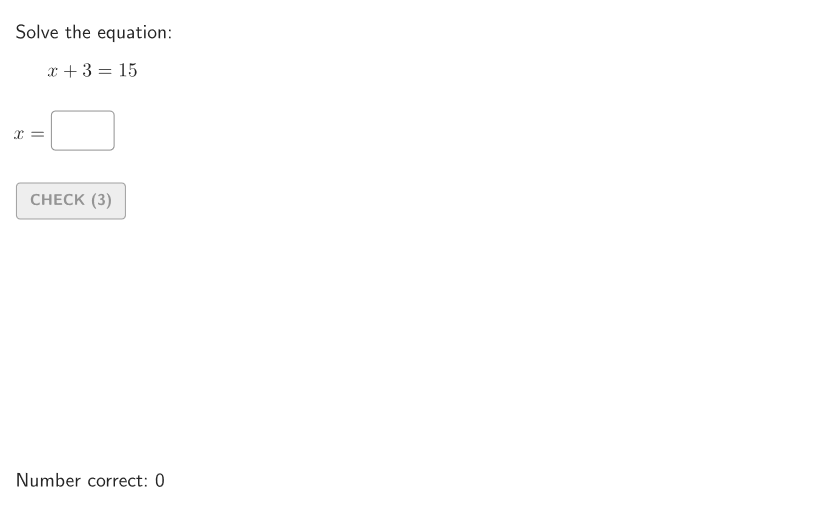
This example demonstrates solving one-step linear equations using a tape diagram. The key mathematical concepts include equation solving, balance of equality, and graphical representation. Construction involves GeoGebra commands like Shuffle, Element, Sequence, and others to create equations and diagrams. Suitable for grades 6-8 to help students understand equation solving methods.
GeoGebra Commands & Parameters
Shuffle({1, 2, 3, 4}) → allProblTypeAndC, {1, 3, 2, 4}Element(allProblTypeAndC, Mod[countQuestion, Length[allProblTypeAndC]] + 1) → problTypeShuffle(2…10) → allA, {3, 8, 9, 6, 10, 2, 4, 5, 7}Element(allA, Mod[countQuestion, Length[allA]] + 1) → valAShuffle(Sequence[valA + 1, 21]) → allB, {15, 17, 18, 11, 6, 10, 7, 9, 16, 19, 21, 12, 13, 14, 8, 20, 5, 4}Element(allB, Mod[countQuestion, Length[allB]] + 1) → valBSequence(n, n, 2, Min[valB - 1, 10]) → dummyA1RemoveUndefined(Zip[If[GCD[valB, n] ≟ 1, n], n, dummyA1]) → allA1Element(allA1, Mod[countQuestion, Length[allA1]] + 1) → valA1Element(allC, Mod[countQuestion, Length[allC]] + 1) → valCIf(problType ≟ 1, savedValue ≟ valB - valA, problType ≟ 2, savedValue ≟ valB + valA, problType ≟ 3, savedValue ≟ valB / valA, problType ≟ 4, savedValue ≟ ((valC * valB)) / valA1) → correctForDisplayIf(problType ≟ 1, Distance[T1, T2] / valB, problType ≟ 2, Distance[T1, T2] / (valA + valB), problType ≟ 4, Distance[T1, T2] / valB, 1) → unitTextfield(input1) → InputBox1If(problType ≟ 1, input1 ≟ valB - valA, problType ≟ 2, input1 ≟ valB + valA, problType ≟ 3, input1 ≟ valB / valA, problType ≟ 4, input1 ≟ ((valC * valB)) / valA1) → correct1Polygon(Zip[PixelsToPoint[Corner[1], Corner[3], Corner[5], A], A, {(pixelsLeft, pixelsTop), (pixelsLeft, y(Corner[5]) - pixelsBottom), Corner[5] - (pixelsRight, pixelsBottom), (x(Corner[5]) - pixelsRight, pixelsTop)}]) → borderBoxCorner(5) → layoutAppSizeSegment(L1, L2) → rhsPolygon(T1, T2, T3, T4) → tape, t1, t2, t3, t4Polygon(T1, T11, T41, T4) → rectXType1, f, g, h, iPolygon(T11, T2, T3, T41) → rectConstType1, j, k, l, mDistance(T1, T2) → lConstTapePolygon(T1, T12, T42, T4) → rectBType2, n, t12, t42, pPolygon(T12, T2, T3, T42) → rectAType2, q, r, s, tSequence(Polygon[(i + x(T1), y(T1)), (i + x(T1) + lHorCutsType3, y(T1)), (i + x(T1) + lHorCutsType3, y(T3)), (i + x(T1), y(T3))], i, 0, lConstTape - lHorCutsType3, lHorCutsType3) → unitCutsType3Midpoint(T1, T4) → M1Midpoint(T2, T3) → M2If(¬showanswer, Sequence[M1 + (i / ((2 * valA)) * (M2 - M1)), i, 1, (2 * valA), 2], Sequence[M1 + (i / ((2 * valA)) * (M2 - M1)), i, 1, (2 * valA), 2]) → allMidpointsSequence(labelX3, n, 1, Length[allMidpoints]) → allLabelsX3Segment(LT1, LT2) → xtype4Sequence(Polygon[(i + x(T1), y(T1)), (i + x(T1) + lHorCutsType4, y(T1)), (i + x(T1) + lHorCutsType4, y(T3)), (i + x(T1), y(T3))], i, 0, lConstTape - lHorCutsType4, lHorCutsType4) → unitCutsType4Polygon(T14, T2, T3, (x(T14), y(T14) + hTape)) → rectRemoveType4, t14, c, d, eSegment(L1, L4) → rhsType4Denominator((valC * valB / valA1)) → denX4Sequence(Polygon[(i + x(T1), y(T1)), (i + x(T1) + lHorCutsType4, y(T1)), (i + x(T1) + lHorCutsType4, y(T3)), (i + x(T1), y(T3))], i, (lHorCutsType4 * valA1), lConstTape - lHorCutsType4, lHorCutsType4) → unitCutsType4GrayedSequence(Text[allLabelsX3(A), allMidpoints(A) + If[¬showsolution, ((-0.3 * unit), 0.5), ((-0.5 * unit), 1)], true, true], A, 1, Length[allMidpoints]) → allLabelsType3Segment((0, 6), T31) → xtype3Segment((0, 6), (x(T11), 6)) → xtype1If(showsolution, Midpoint[LT1, LT2] - (1.5, 0) + If[denX4 ≠ 1, (-0.5, 2.5), (-0.5, 1.5)], Midpoint[LT1, LT2] - (1.5, 0) + If[denX4 ≠ 1, (-0.5, 2.5), (-0.5, 1.5)]) → PX4
AI Drawing Prompt Reference
Construct a tape-diagram style graphic for solving one-step linear equations: draw a long horizontal rectangular bar as the main tape, then subdivide it into equal cut segments to create a clear balanced layout. Identify two sections corresponding to the two sides of the equation, with boundary segments and internal divider lines showing how quantities are split. Mark key endpoints and intermediate cut points, and connect them to form the tape outline and partitions. Add labeled regions suitable for displaying the relationship involving the unknown value (including an area resembling a user input field for the computed expression). Compute and use the corresponding midpoint locations on the main reference segments to place a row of small labeled markers along the tape in proportional spacing, supporting the step-by-step solution display.
The prompt above was compiled from the original drawing commands and is for reference only.