
Solving One-Step Equations: Addition and Subtraction with Random Numbers
Loading the math board and drawing, please wait…
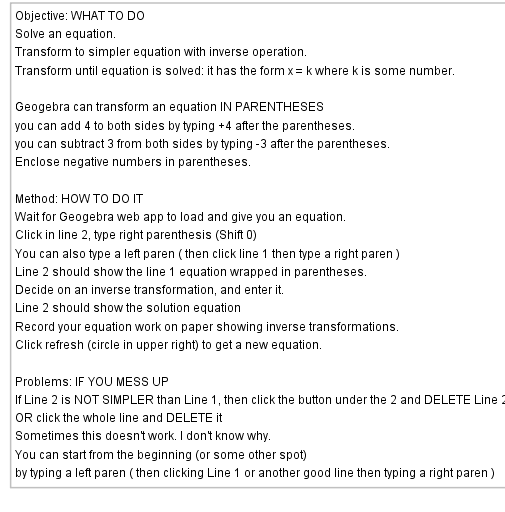
This GeoGebra example dynamically demonstrates how to solve one-step addition and subtraction equations of the form x + a = b or x - a = b. The core mathematical concept is the property of equality: performing the same operation on both sides of an equation maintains balance, allowing the unknown value to be isolated. The construction uses the Random command to generate random constants, text objects (text2) to display the equation and step-by-step solution, and objects a and b representing the known and unknown values. It is suitable for upper elementary to middle school students learning introductory algebra, and for teachers to use in classroom demonstrations. The pyramid-style visual layout reinforces the concept of equation balance, and the random generation provides unlimited practice variations.
GeoGebra Commands & Parameters
Random(-9, 9) → a
AI Drawing Prompt Reference
Create an educational diagram demonstrating how to solve one-step linear equations of the form x plus or minus a random integer equals another integer. The central visual is a balanced scale or pyramid, with the unknown on one side and a known number on the other. Below, show step-by-step operations applied equally to both sides, leading to the isolated unknown. Random numbers range from -9 to 9 and change with each refresh, offering unlimited practice. The layout is clean and intuitive, reinforcing the concept of equation balance for elementary and middle school students.
The prompt above was compiled from the original drawing commands and is for reference only.