
Solving Linear Equations With Grouping Symbols
Loading the math board and drawing, please wait…
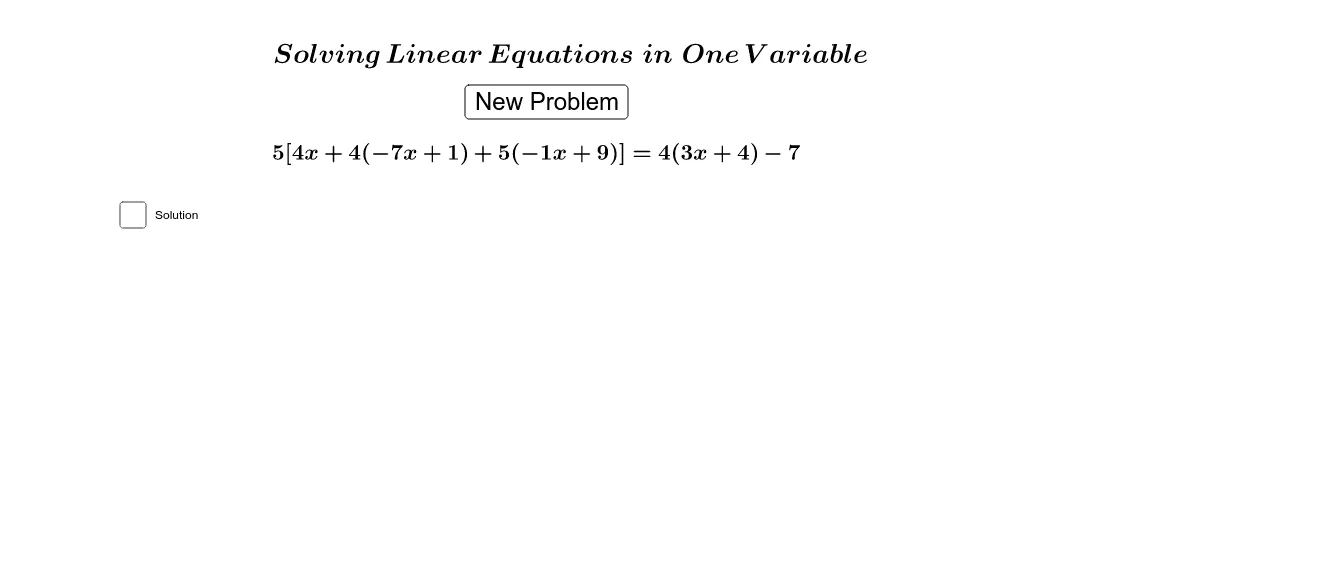
① This GeoGebra example demonstrates how to solve linear equations that include grouping symbols such as parentheses or absolute values, with an interactive button to generate new random equations. ② The core mathematical concepts are algebraic manipulation of linear equations: removing grouping symbols, transposing terms, combining like terms, and isolating the variable, emphasizing the correct handling of parentheses. ③ Construction details: the RandomElement command selects equations from a predefined list, If is used for conditional logic, and objects include a button (button1), multiple text elements (text1 to text7), and variables a through n, creating a dynamic practice environment. ④ It is suitable for middle school to high school students learning equation solving, and serves as an interactive tool for teachers to demonstrate or for students to practice, reinforcing the role of grouping symbols in equation transformation.
GeoGebra Commands & Parameters
RandomElement(list) → hRandomElement(list) → iRandomElement(list) → jRandomElement(list) → kRandomElement(list) → lRandomElement(list) → mRandomElement({1, 2, 3, 4, 5}) → aIf(a ≟ 1, true, false) → bIf(a ≟ 2, true, false) → cIf(a ≟ 3, true, false) → dIf(a ≟ 4, true, false) → eIf(a ≟ 5, true, false) → fRandomElement({-3, -2, -1, 2, 3, 4}) → g
AI Drawing Prompt Reference
Draw a graph of solving linear equations with grouping symbols. Include a button to generate random equations, multiple text elements to display equations and steps, and variables a through n to represent numbers in the equations. The construction order is to first create the button and text elements, then generate random equations, and finally show the solving process.
The prompt above was compiled from the original drawing commands and is for reference only.