
Solids with Known Cross Sections
Loading the math board and drawing, please wait…
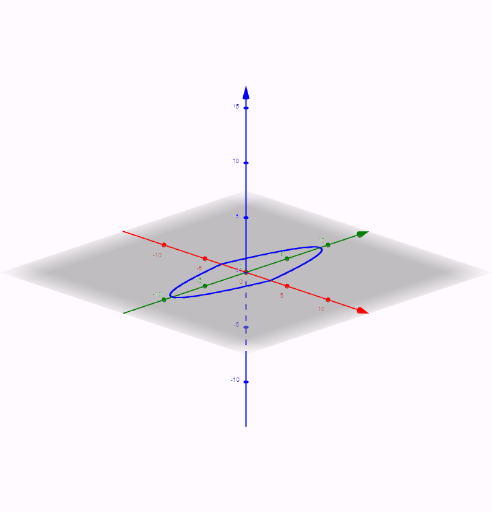
This example demonstrates solids with known cross sections. Key mathematical concepts include solid geometry and coordinate geometry. Using GeoGebra commands such as Segment, Textfield, Polygon, and CurveCartesian, specific cross-sectional solids can be constructed. Suitable for high school mathematics education and learning.
GeoGebra Commands & Parameters
Segment(A, B) → bTextfield(f) → InputBox1Textfield(g) → InputBox2Polygon(A, B, C, D) → poly1, a_1, b_1, c, dTextfield(e) → InputBox3Textfield(h) → InputBox4CurveCartesian(t, f(t), t, e, h) → iCurveCartesian(t, g(t), t, e, h) → jPolygon(A, B, E) → poly2, e_1, a_2, b_2Midpoint(A, B) → FSegment(H, I) → qPolygon(I, H, (x(H), y(H), Distance[H, I]), (x(I), y(I), Distance[H, I])) → q1, r, s, t, f_1Segment(J, K) → g_1Polygon(J, K, (x(K), y(K), Distance[K, J]), (x(J), y(J), Distance[K, J])) → q2, j_1, k_1, h_1, i_1Polygon(L, M, (x(M), y(M), Distance[M, L]), (x(L), y(L), Distance[M, L])) → Q3, l_1, m_1, n_1, p_1Polygon(I, H, (x(H), (0.5 * (y(I) + y(H))), (0.87 * Distance[I, H]))) → Q4, q_1, r_1, s_1Polygon(J, K, (x(K), (0.5 * (y(J) + y(K))), (0.87 * Distance[J, K]))) → Q5, t_1, j_2, k_2Polygon(L, M, (x(M), (0.5 * (y(L) + y(M))), (0.87 * Distance[L, M]))) → Q6, c_1, l_2, m_2
AI Drawing Prompt Reference
Draw a geometric solid demonstrating solids with known cross sections. Start by constructing a rectangle as the base, then draw two curves based on input functions and height to form the cross-section. Extend these cross-sections along a line to create the solid. Add some helper lines and polygons to make the shape more complete and clear.
The prompt above was compiled from the original drawing commands and is for reference only.