
Sketching Radian Angles on the Unit Circle (CCGPS AA 5.1.2 Example 1)
Loading the math board and drawing, please wait…
In collections
CCGPS AA Unit 5 Lesson 1
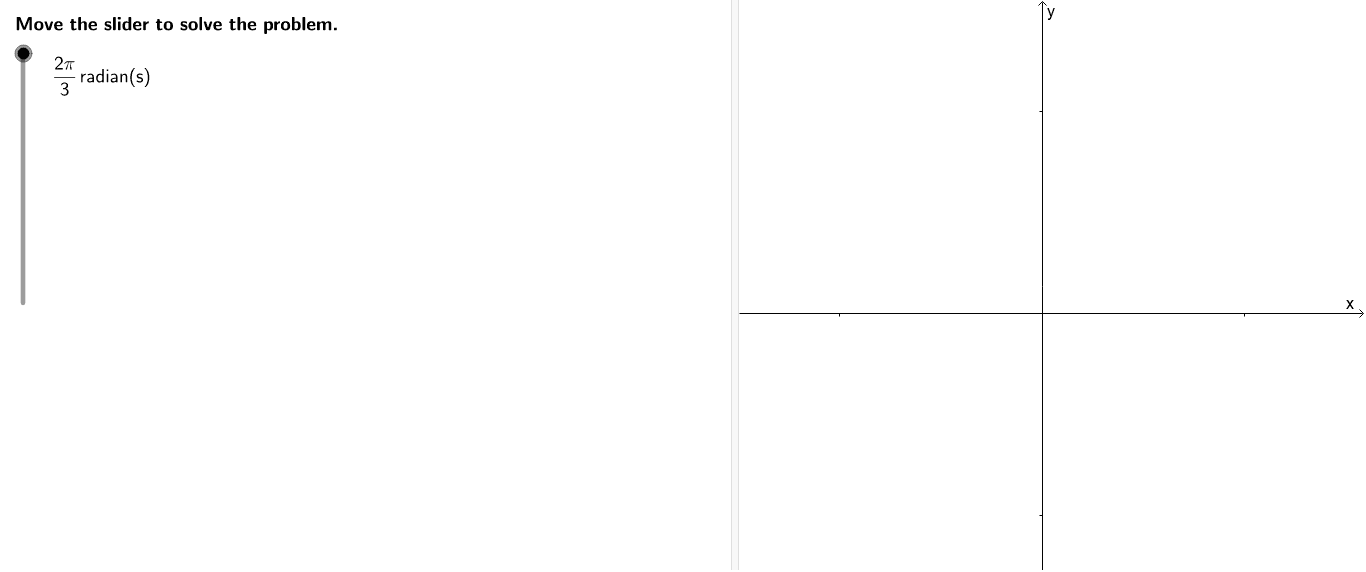
This GeoGebra example demonstrates how to sketch and label angles of given radian measures, such as 2π/3, π/4, and 9π/7, on a unit circle. It visually reinforces the concept of radian measure and the position of terminal sides in different quadrants. The construction uses the Circle command to create the unit circle, Angle command to display the angles, and sliders/buttons to control and step through angle values. Additional commands like If, Zip, Segment, and LaTeX text are employed to generate dynamic labels and auxiliary segments. This resource is ideal for high school or introductory college trigonometry lessons, helping students build an intuitive understanding of radian angles and their graphical representation on the unit circle.
GeoGebra Commands & Parameters
LaTeX(steps) → counterCircle((0, 0), 1) → cLaTeX("\text{0 radians}") → zeroLaTeX("\text{Sketch the angle.}") → text3If(angleNum / angleDen < 1, Sequence[i / angleDen, i, 1, angleDen - 1], Sequence[1 + i / angleDen, i, 1, angleDen - 1]) → list1Zip((cos((a * π)), sin((a * π))), a, list1) → list2Zip(Segment[(0, 0), a], a, list2) → list3Segment((0, 0), C) → aSegment((0, 0), (1, 0)) → bAngle(A, (0, 0), C) → αLaTeX("\text{Move the slider to solve the problem.}") → text0LaTeX("\text{Sketch a unit circle, and then label }\pi\text{ radians and 2}\pi\text{ radians.}") → text1LaTeX("\text{A half rotation (180°) is π radians and a full rotation (360°) is 2π radians. }\cr\text{Notice that 0 radians and 2π radians are in the same location on the unit circle, }\cr\text{but represent different angle measures.}") → text2LaTeX("\text{Use the buttons below to step through the solutions for the other angles}\cr\text{in the problem or randomly generate a similar practice problem.}") → text5LaTeX((((("\frac{" * angleNum) * "\pi}{") * angleDen) * "} radian(s)")) → ProblemIf(angleNum / angleDen < 1, LaTeX[(((((((((((((((((("\frac{" * angleNum) * "π}{") * angleDen) * "}\text{is the same as }\frac{") * angleNum) * "}{") * angleDen) * "}π.\cr\text{In other words, the terminal side is }\frac{") * angleNum) * "}{") * angleDen) * "}\text{ of the way from 0 to π.}\cr\text{Thus, imagine the semicircle between 0 radians and π radians split into ") * angleDen) * " parts}\cr\text{and then sketch the angle }\frac{") * angleNum) * "}{") * angleDen) * "}\text{ of the way around the semicircle.}")], LaTeX[(((((((((((((((((("\frac{" * angleNum) * "π}{") * angleDen) * "}\text{is the same as }\left(1+\frac{") * newNum) * "}{") * angleDen) * "}\right)π.\cr\text{In other words, the terminal side is }\frac{") * newNum) * "}{") * angleDen) * "}\text{ of the way from π to 2π.}\cr\text{Thus, imagine the semicircle between π radians and 2π radians split into ") * angleDen) * " parts}\cr\text{and then sketch the angle }\frac{") * newNum) * "}{") * angleDen) * "}\text{ of the way around the semicircle.}")]) → text4
AI Drawing Prompt Reference
Draw a unit circle centered at the origin with radius 1. Mark the positions for 0 radians, π radians, and 2π radians on the circle, noting that 0 and 2π coincide at the rightmost point. Use a segment from the center to a point on the circle to represent the current angle, and draw an arc to indicate its measure. For given fractional radian values (such as 2π/3, π/4, 9π/7), plot the corresponding terminal side on the circle and display the angle value as a label. Inside the circle, use dashed auxiliary segments to divide the semicircle into equal parts, helping visualize the fraction of the angle. Include a slider to adjust the angle value and buttons to step through solutions for different angles or randomly generate a similar practice problem.
The prompt above was compiled from the original drawing commands and is for reference only.