
Sine Rule Demonstration by Toh Wee Teck
Loading the math board and drawing, please wait…
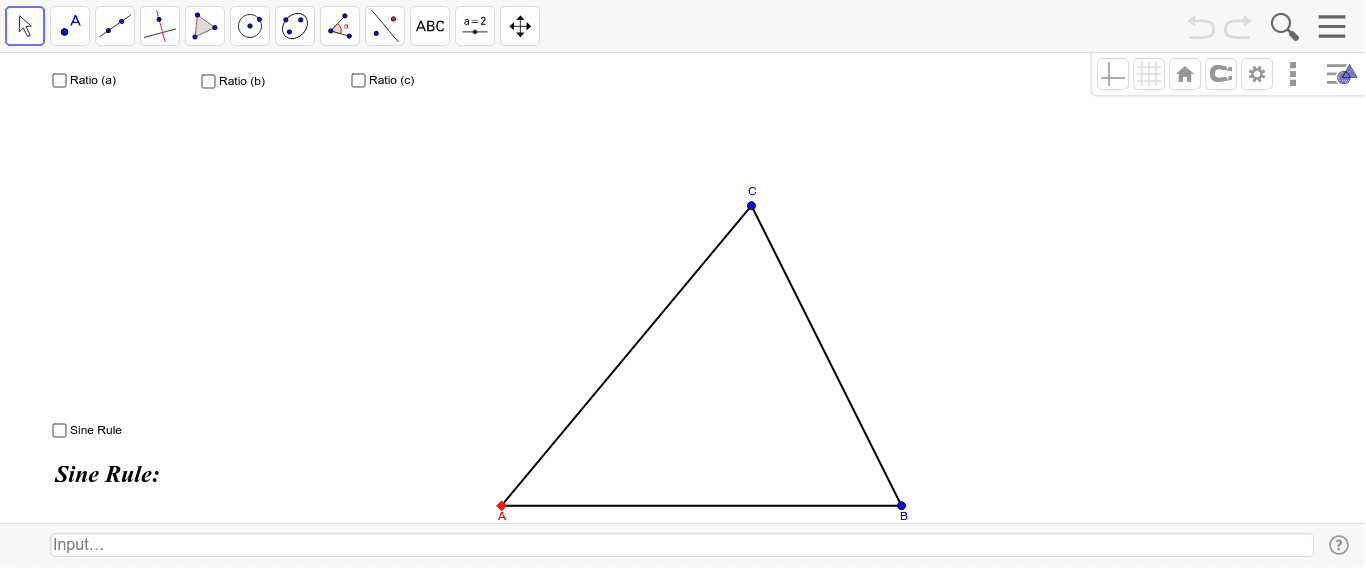
This example dynamically illustrates the relationship between sides and angles in a triangle, visually demonstrating the application of the Sine Rule. It involves core mathematical concepts such as the Sine Rule, triangle geometry, and angle measurement. Construction highlights the use of GeoGebra commands/objects like Line, Point, Segment, OrthogonalLine, Intersect, and Angle. Suitable for high school mathematics teaching and learning to enhance understanding and application of the Sine Rule.
GeoGebra Commands & Parameters
Line(A, Z) → fPoint(f) → BSegment(A, B) → cSegment(B, C) → aSegment(C, A) → bOrthogonalLine(C, f) → eIntersect(f, e) → YSegment(Y, C) → hSegment(A, Y) → gAngle(C, Y, A) → αAngle(B, A, C) → θAngle(C, B, A) → βAngle(A, C, B) → γSegment(A, B) → qSegment(B, C) → rSegment(A, C) → s
AI Drawing Prompt Reference
Draw a triangle with labeled vertices and sides, then draw a perpendicular line from one side to create a foot, label the three angles, and connect the parts with different colored or thickness lines to dynamically illustrate the relationship between sides and angles and the application of the sine rule.
The prompt above was compiled from the original drawing commands and is for reference only.