
Sine Rule, Cosine Rule and Area of Triangle Starter Diagram
Loading the math board and drawing, please wait…
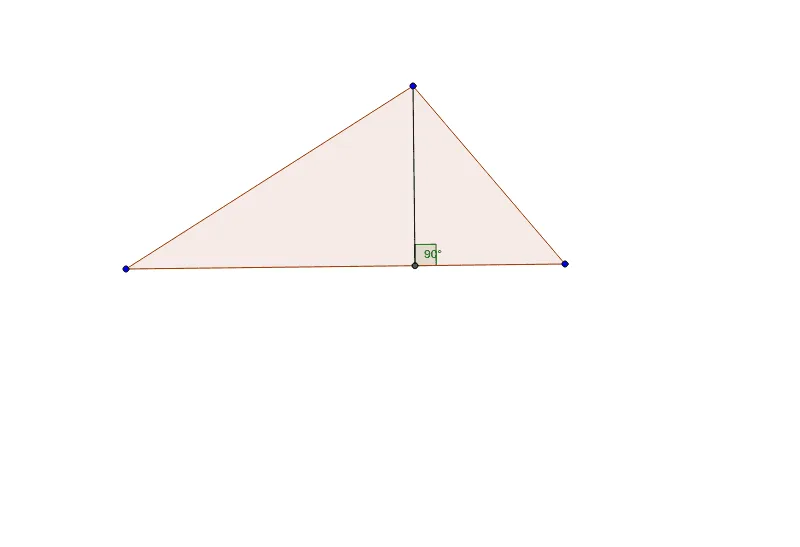
① This interactive GeoGebra example presents a dynamic triangle that simultaneously illustrates the sine rule, cosine rule, and the area formula, making the relationships among sides and angles visually tangible. ② Core mathematical concepts include the sine rule (a/sinA = b/sinB = c/sinC), the cosine rule (c² = a² + b² - 2ab·cosC), and the triangle area formula (S = ½ab·sinC), with additional references to the circumcircle, centroid, arithmetic mean, and correlation. ③ Construction details: using GeoGebra commands such as Polygon to create triangle ABC, OrthogonalLine to draw perpendiculars, Intersect to find intersection points, Segment to connect sides, and Angle to mark angle α, the model allows dragging vertices to observe how measurements change in real time. ④ This resource is ideal for high school students learning trigonometry and triangle solving, as well as for teachers creating interactive lessons that bridge geometric intuition and algebraic formulas.
GeoGebra Commands & Parameters
Polygon(A, B, C) → poly1, c, a, bOrthogonalLine(A, a) → dIntersect(a, d) → DSegment(A, D) → eAngle(B, D, A) → α