
Simple Triangle with Vectors
Loading the math board and drawing, please wait…
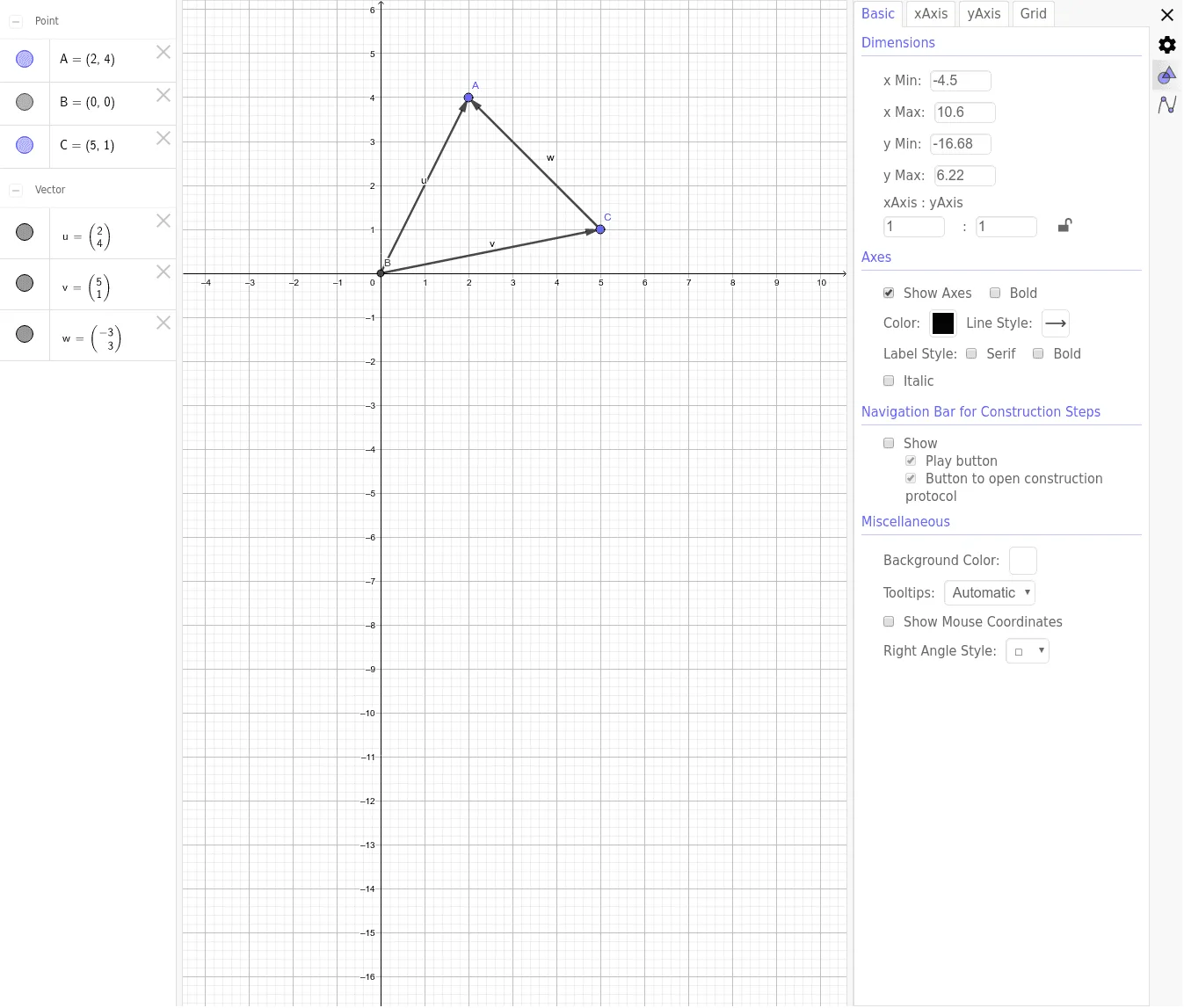
This example demonstrates how to construct a simple triangle using vectors. It involves basic vector concepts such as vector addition and perimeter calculation. By using GeoGebra commands Intersect and Vector, the shape and size of the triangle can be dynamically adjusted. Suitable for middle school and above students to learn about vectors and geometric construction.
GeoGebra Commands & Parameters
Intersect(xAxis, yAxis) → BVector(B, A) → uVector(B, C) → v
AI Drawing Prompt Reference
Draw a simple triangle in a coordinate system with the origin as one vertex, and the other two vertices positioned on or in the coordinate plane. Create two directed line segments starting from the origin as vectors, showing the direction and magnitude from the origin to the other two vertices. Optionally demonstrate vector addition to show how the sum of two side vectors equals the third side vector.
The prompt above was compiled from the original drawing commands and is for reference only.