
Shape of the Parabola
Loading the math board and drawing, please wait…
In collections
Conic Section: Parabola
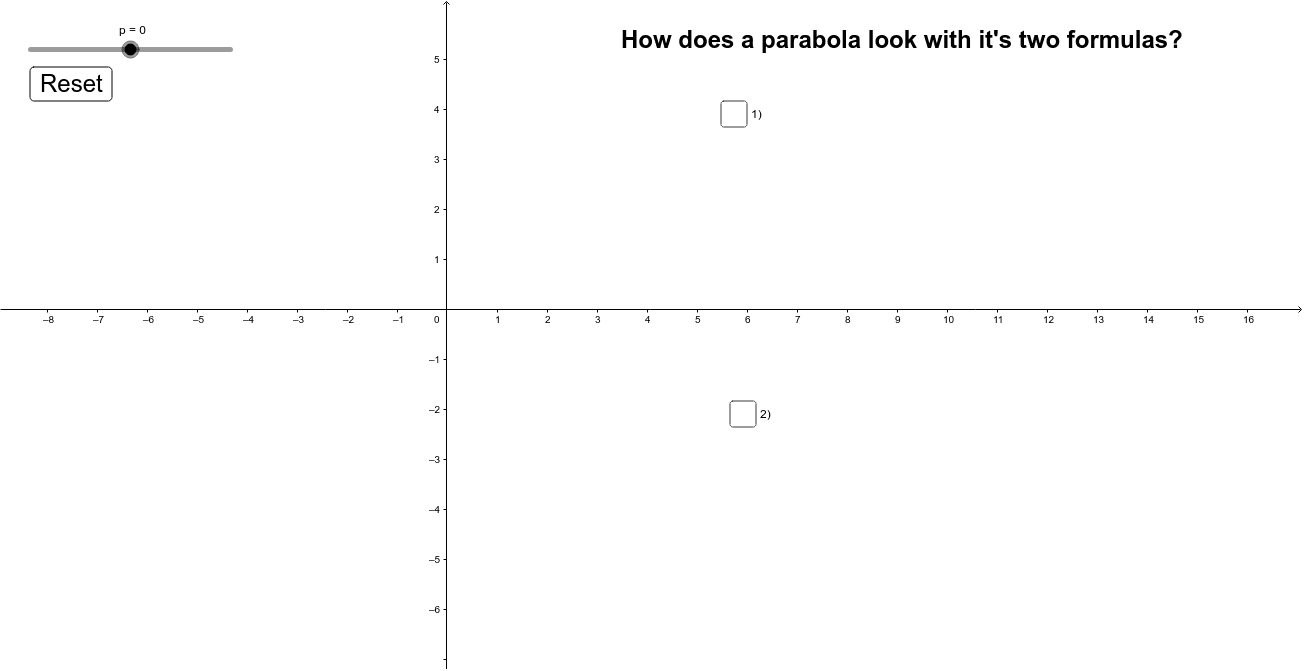
This example demonstrates the shape of a parabola. It involves the core concept of quadratic equations. By adjusting parameters, you can observe changes in the parabola. Mainly constructed using points, lines, text, and buttons in GeoGebra.
GeoGebra Commands & Parameters
Numeric p(0.0)y^(2) = (4 * (p * x))x^(2) = (4 * (p * y))Boolean a(false)Boolean e(false)Boolean b(false)
AI Drawing Prompt Reference
Draw a parabola and observe its changes by adjusting parameter p. First, draw the parabolas y^2 = 4px and x^2 = 4py, then add buttons to toggle their display.
The prompt above was compiled from the original drawing commands and is for reference only.