
Self Similarity Transformation (Part 2)
Loading the math board and drawing, please wait…
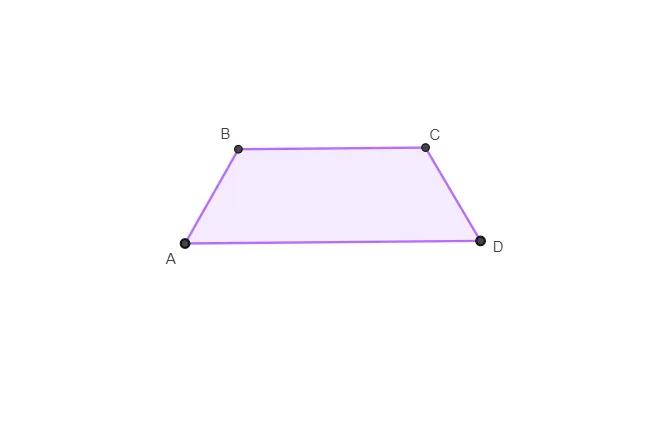
This example demonstrates the second part of self-similarity transformation, involving the concepts of similar triangles and similarity transformations. Using GeoGebra commands such as Circle, Intersect, Line, Point, and Polygon, it constructs multiple similar triangles and the transformation process. Suitable for high school mathematics education and learning about similar triangles and similarity transformations.
GeoGebra Commands & Parameters
Circle(A_{1}, B_{1}) → cCircle(B_{1}, A_{1}) → dIntersect(c, d, 1) → BLine(A_{1}, B_{1}) → fPoint(f) → D_{1}Circle(D_{1}, Radius[d]) → eIntersect(e, f, 1) → ECircle(E, Radius[e]) → gIntersect(e, g, 2) → CIntersect(d, f, 1) → AIntersect(c, f, 1) → HIntersect(g, f, 2) → DPolygon(A_{1}, B, C, D_{1}) → q1, a, c_1, f_1, d_1Polygon(A_{1}, B, C, D_{1}) → q2, a_1, c_2, f_2, d_2
AI Drawing Prompt Reference
Draw a geometric construction showing self-similarity transformation with two intersecting circles and their three lines of intersection forming multiple similar triangles. Start by drawing two circles and finding their intersection points, then connect these points to form triangles. Next, draw new circles centered at the intersection points, find the new intersections, and continue constructing similar triangles. The final image should show nested similar triangles, demonstrating the self-similarity transformation process.
The prompt above was compiled from the original drawing commands and is for reference only.