
Segment Generator for Fraction Wheels
Loading the math board and drawing, please wait…
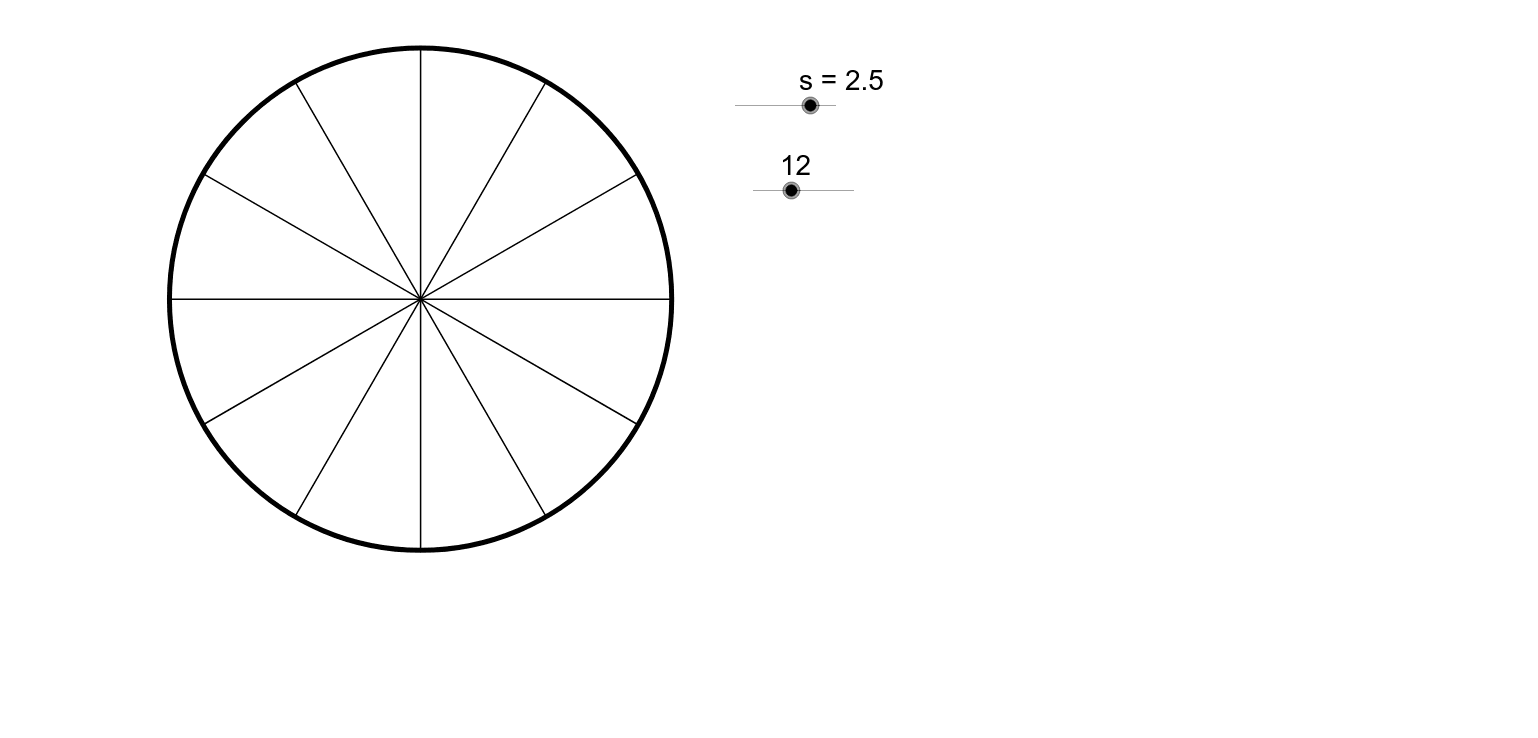
① This example demonstrates how to use GeoGebra's Sequence and Point commands to automatically generate equally divided segments for fraction wheels, visually partitioning circular or sector regions into fractional parts. ② Core mathematical concepts include fraction representation, proportional division, geometric construction, and combinatorial thinking, with additional references to right triangles, orthocenter, and vectors. ③ Construction highlights: Based on the summary, the Sequence command creates point lists (list1, list2), while points (A, B, C, D, E, F, G, H, I) define key positions; vectors and piecewise functions assist in controlling segment endpoints, producing a set of segments ready for copy/paste into other projects. ④ Suitable for middle school to high school levels, this serves as a template for fraction teaching, geometric drawing practice, or dynamic math demonstrations, especially useful for teachers creating interactive fraction wheel manipulatives.
GeoGebra Commands & Parameters
Sequence((s * cos((90 + 360 / n * i)°), s * sin((90 + 360 / n * i)°)), i, 0, n) → list1Sequence(Segment[A, Element[list1, i]], i, 1, n) → list2Point(list2) → EPoint(c_1) → FPoint(c_1) → GPoint(c_1) → HPoint(c_1) → I
AI Drawing Prompt Reference
Create a circular sector divided into several equal parts, using vectors and piecewise functions to control the endpoints of segments, generating a series of segments. First, create a point list on the circumference, then draw segments based on the list, and select points from the segments as key positions E, F, G, H, and I for the sector wheel.
The prompt above was compiled from the original drawing commands and is for reference only.