
Sector to Cone Lateral Area
Loading the math board and drawing, please wait…
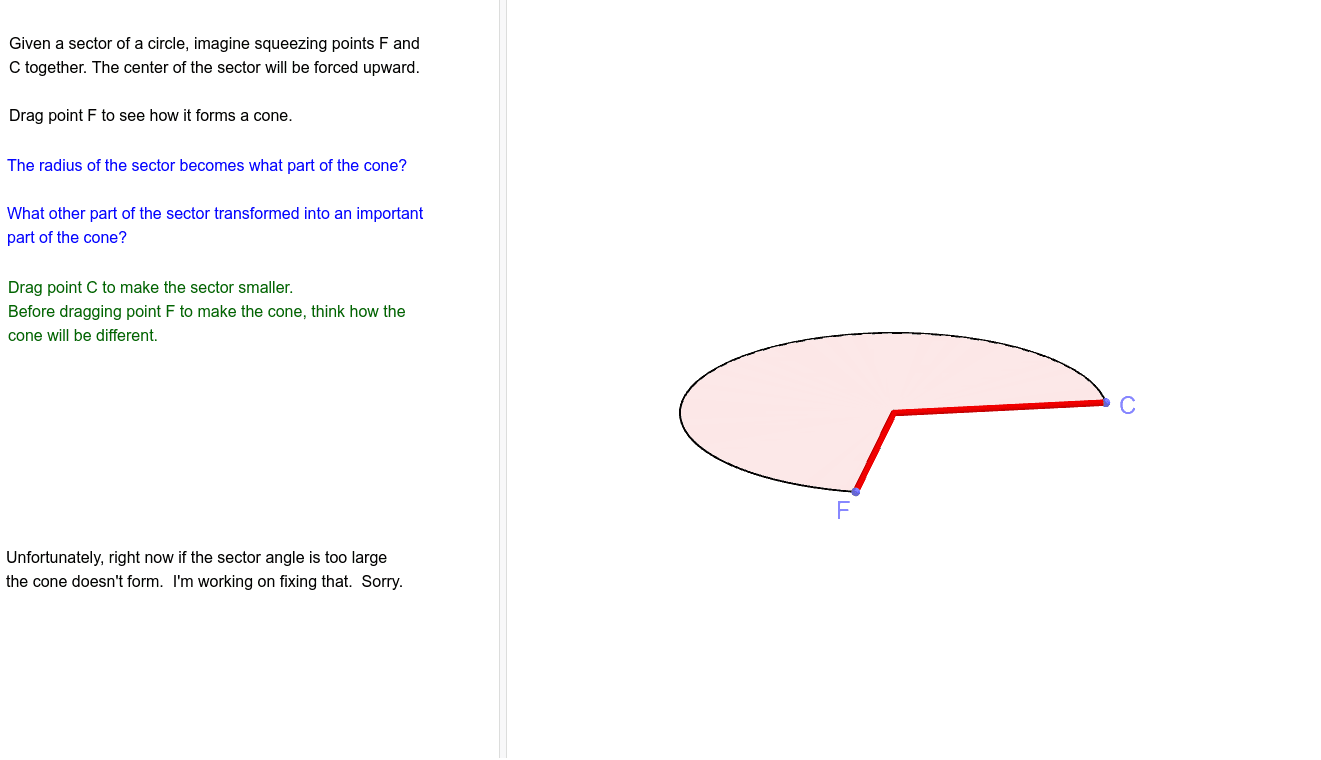
This example demonstrates how to transform a sector into a cone's lateral area. Key mathematical concepts include circles, angles, rotation, and geometric construction. Using GeoGebra commands such as Circle, Angle, Sector, and Rotate, the process of unfolding the cone's side is visually illustrated. Suitable for middle school and above students learning solid geometry.
GeoGebra Commands & Parameters
Circle(A, RadiusSlant) → cPoint(c) → BPoint(c) → CAngle(C, A, B) → αSector(c, C, B) → gOrthogonalLine(A, Plane[z = 0]) → iRotate(B, (360° - α) / 2, A) → B'CircleArc(A, C, B) → eCircle(A, Littler) → fIntersect(f, Segment[A, B']) → E,Midpoint(E, C) → DCircle(Intersect[LineBisector[E, C], LineBisector[B, E]], B) → dCircleArc(Center[d], B, E) → hPoint(h) → FMirror(F, Segment[A, E]) → F'Intersect(i, Sphere[F, RadiusSlant]) → G, HCircle(A, F) → kSegment(F, G) → jSegment(F', G) → lAngle(F', A, F) → γDistance(A, G) → nDistance(A, F) → qCircleArc(A, F', F) → rPoint(xAxis) → ISurface((((n - u) / n * q) * cos(θ)), (((n - u) / n * q) * sin(θ)), u, θ, Angle[I, A, C] - Angle[F', A, C], Angle[I, A, B] + Angle[B, A, F], u, 0, Distance[A, G]) → m
AI Drawing Prompt Reference
Draw a circle with center A, then cut out a sector with central angle α. Rotate this sector around point A to form the lateral surface of a cone. Construct the base circle and height of the cone, and finally use these elements to create the lateral surface of the cone.
The prompt above was compiled from the original drawing commands and is for reference only.