
Scaling the Volume of a Cone
Loading the math board and drawing, please wait…
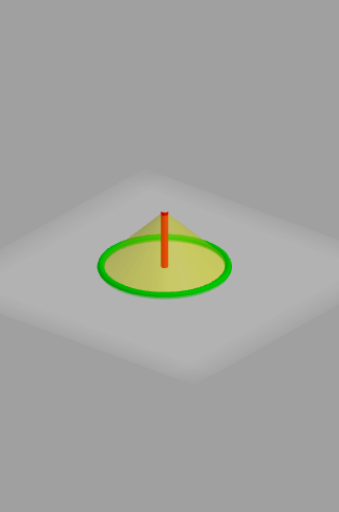
This example demonstrates the scaling of a cone's volume. Key mathematical concepts include the formula for the volume of a cone and proportional relationships. By constructing the cone's height and base radius, adjusting the dimensions with sliders, and observing the volume changes, students can explore the relationship between the dimensions and the volume. The GeoGebra commands used include Cone, Segment, Ray, etc., suitable for middle school and above students studying solid geometry.
GeoGebra Commands & Parameters
Cone(A, C, r) → b, c, dSegment(C, A) → gRay(G, F) → i
AI Drawing Prompt Reference
Draw a cone with a base radius that can be adjusted using a slider. First, draw the center of the base and the apex of the cone, then draw a segment from the apex to the base center as the height of the cone. Next, draw a ray from the base center as the slant height of the cone. Finally, adjust the base radius using the slider to observe changes in the cone's volume.
The prompt above was compiled from the original drawing commands and is for reference only.