
Scale Factor with a Rectangle: Visualizing Dilation
Loading the math board and drawing, please wait…
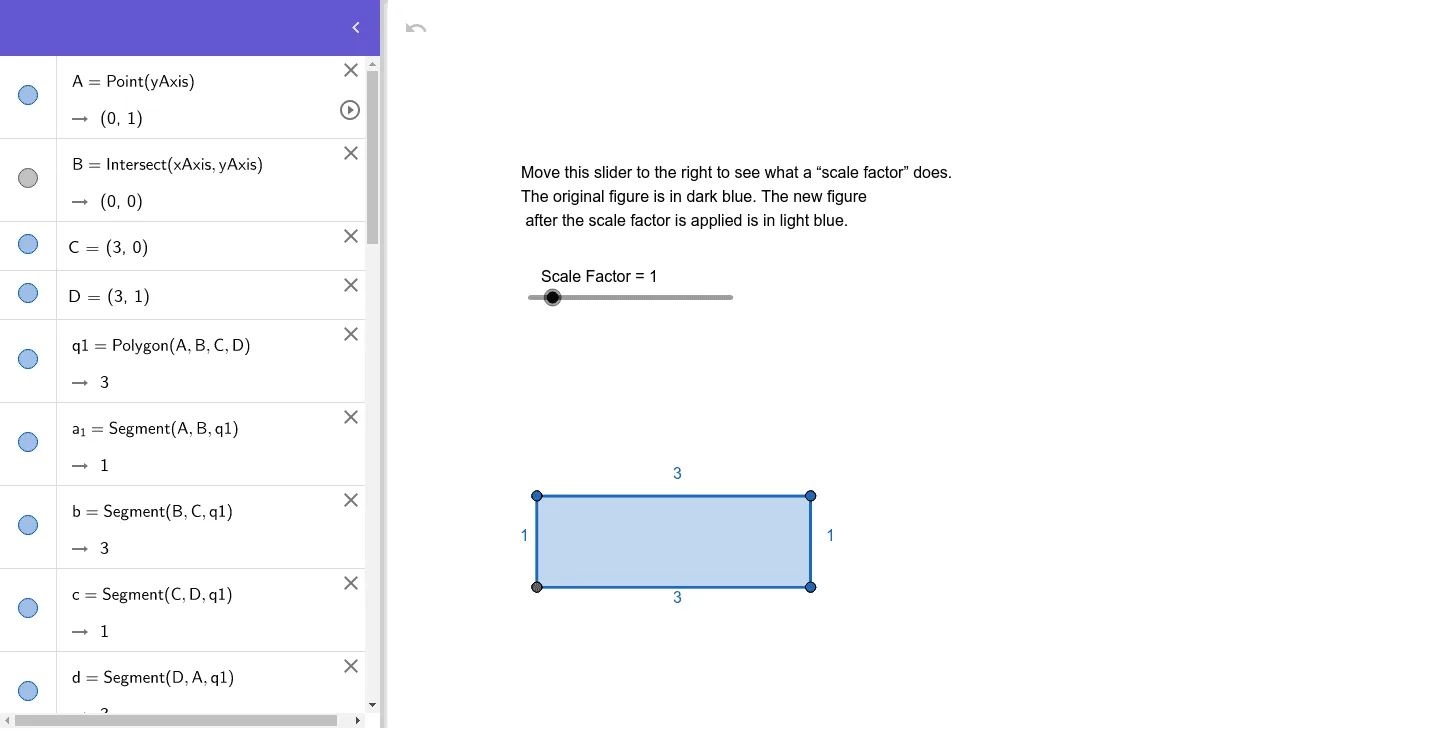
① This example demonstrates the effect of a scale factor on a rectangle under a dilation (homothety) transformation, showing how the image changes in size and position. ② Core mathematical concepts include dilation (scaling) in plane geometry, scale factor, vectors, median lines, and proportional relationships with natural numbers. ③ Construction highlights: using GeoGebra commands Point, Intersect, Polygon, and Dilate to create the original rectangle ABCD, then generate its dilated image A'B'C'D' with a chosen center, and further a second dilation A''B''C''D''; vectors and median lines are retained, and text labels display the scale factor. ④ Suitable for middle and high school students learning geometric transformations, and for teachers demonstrating properties of dilation and ratio in class.
GeoGebra Commands & Parameters
Point(yAxis) → AIntersect(xAxis, yAxis) → BPolygon(A, B, C, D) → q1, a_1, b, c, dDilate(A, a_1, B) → A'Dilate(B, a_1, B) → B'Dilate(C, a_1, B) → C'Dilate(D, a_1, B) → D'Polygon(A', B', C', D') → q1', a', b', c', d'Dilate(A', a, B) → A''Dilate(B', a, B) → B''Dilate(C', a, B) → C''Dilate(D', a, B) → D''Polygon(A'', B'', C'', D'') → q1'', a'', b'', c'', d''
AI Drawing Prompt Reference
Draw a rectangle ABCD, then use a slider to scale it with point B as the center to get A'B'C'D'. Repeat the scaling with the same factor using point B as the center on A'B'C'D' to get A''B''C''D''. Keep vectors and medians, and show the value of the scale factor.
The prompt above was compiled from the original drawing commands and is for reference only.