
Rounding to 10s, 100s, 1000s
Loading the math board and drawing, please wait…
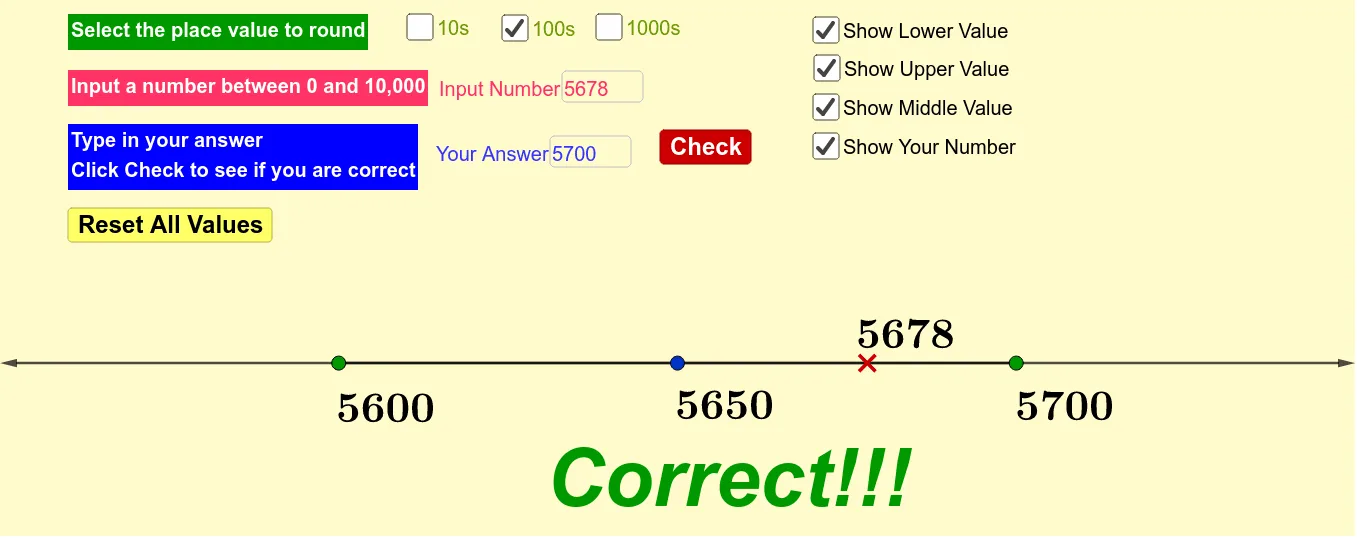
This example demonstrates how to round numbers to the nearest tens, hundreds, and thousands using GeoGebra. Key math concepts include numerical approximation and rounding rules. It utilizes commands and objects such as Textfield, If, Mean, Vector, and elements like c, a, b, button1, i, InputBox1, d, text1, etc., for input, conditional logic, and result display. Suitable for middle school mathematics education to help students understand and apply rounding techniques.
GeoGebra Commands & Parameters
Textfield(i) → InputBox1If(a, Div[i, 10], If[b, Div[i, 100], Div[i, 1000]]) → dIf(a, (10 * d), If[b, (100 * d), (1000 * d)]) → eIf(a, (10 * (d + 1)), If[b, (100 * (d + 1)), (1000 * (d + 1))]) → fMean({e, f}) → gIf(a, 5, If[b, 50, 500]) → hVector(A, B + (h, 0)) → uVector(B, A - (h, 0)) → vTextfield(j) → InputBox2If(a, (10 * floor(i / 10 + 0.5)), If[b, (100 * floor(i / 100 + 0.5)), (1000 * floor(i / 1000 + 0.5))]) → k