
Rounding on a Number Line
Loading the math board and drawing, please wait…
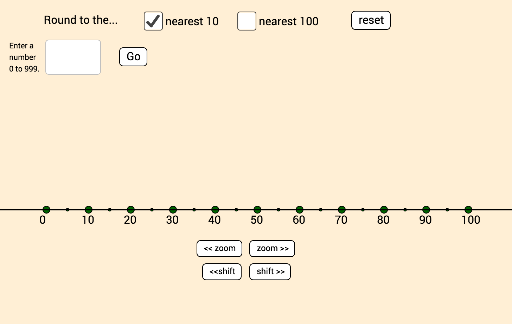
This example demonstrates rounding numbers on a number line. It involves core math concepts like number line, absolute value, and rounding rules. Constructed using GeoGebra commands like Textfield, Sequence, Mod, Translate, Point, Line. Suitable for middle school mathematics teaching to help students visually understand the rounding process.
GeoGebra Commands & Parameters
Textfield(inputtext) → InputBox1Sequence((x(A) + (i * intervalwidth), y(A)), i, 0, 20) → dotsallSequence(Element[dotsall, (2 * i) + 1], i, 0, 20) → dotslabelsSequence(((labels10 + labels100) * i) + ((input100 * 100) * shifton), i, 0, 10) → labelvaluesMod(inputnumber, 10) → input1Translate(D, Vector[(slideit * Vector[D, C])]) → D'Translate(D, Vector[(slideit * Vector[D, B])]) → D'_1Point(dotslabels) → ELine(A, E) → f
AI Drawing Prompt Reference
Illustrate rounding numbers on a number line by first drawing a number line with multiple points, highlighting odd-numbered points and labeling their values, then move a point based on an input number and a slider to show the rounded position, and finally draw a line connecting the starting point to the moved point to aid understanding.
The prompt above was compiled from the original drawing commands and is for reference only.