
Rotations: Demonstrating Geometric Rotation with GeoGebra
Loading the math board and drawing, please wait…
In collections
Basic Rectangle Rotations
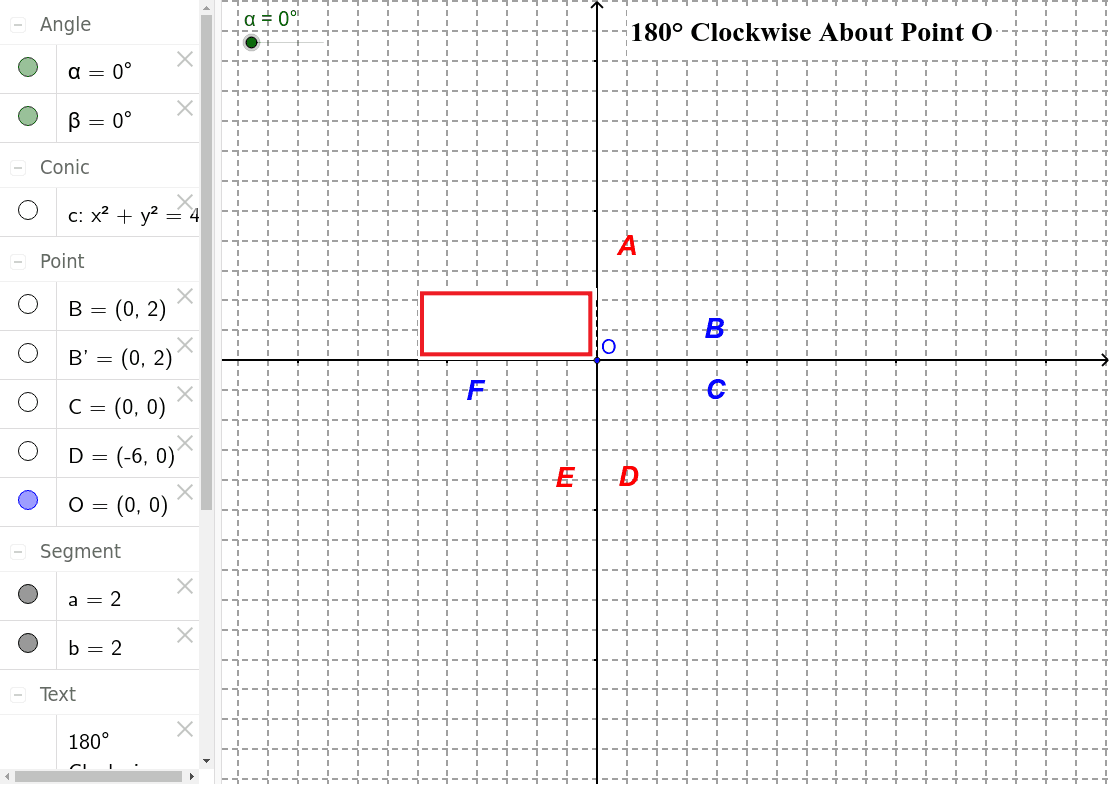
This GeoGebra example interactively demonstrates the geometric transformation of rotation, showing how a figure rotates around a fixed point to produce a new image with corresponding relationships. The core mathematical concept is rotation in geometry, involving the center of rotation, rotation angle, correspondence between points and segments, and the property that rotation preserves congruence. Construction highlights include using the Circle command to draw auxiliary circles centered at the rotation center, Segment to connect key points, Rotate to transform points or figures, and Angle to label the rotation angle. Objects include points B, C, D, O, segments a, c, b, the rotated point B', and multiple text labels (text1, text2, etc.) for annotations. This example is suitable for middle or high school geometry lessons on transformations, useful for teacher demonstrations or student exploration of rotation properties such as the relationship between rotation angle and corresponding point positions.
GeoGebra Commands & Parameters
Intersect(xAxis, yAxis) → CSegment(B, C) → aCircle(C, B) → cRotate(B, (-α), C) → B'Segment(B', C) → bAngle(B', C, B) → βRotate(pic2, (-α), C) → pic2'
AI Drawing Prompt Reference
Draw a fixed center at the origin, place an arbitrary point and join it to the center to form a radius, then draw a circle centered at the origin through that point. Rotate the point around the center by a specified angle to obtain its image, connect the image to the center, and mark the angle between the two radii. Also sketch a simple shape such as a triangle and rotate it by the same angle about the center, illustrating how rotation preserves distances and angles.
The prompt above was compiled from the original drawing commands and is for reference only.