
Rotation Problem Generator
Loading the math board and drawing, please wait…
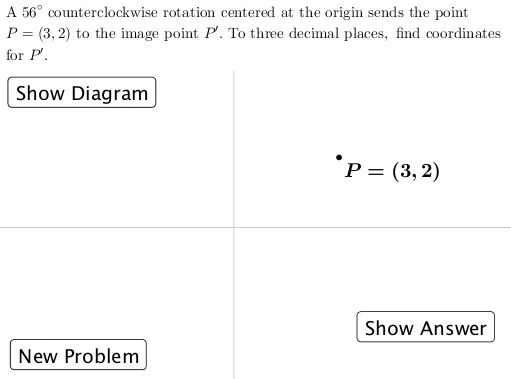
This example demonstrates how to generate and illustrate rotation problems using GeoGebra. It involves core mathematical concepts such as rotation, intersection, area, integral calculus, geometric constructions, and 2D vectors. Construction highlights include using GeoGebra commands like Segment, Angle, Rotate, Circle, and objects like y_1, x_1, r, f, g, α, P, text1, A, h, B, β, P', γ, i, c, C, text3, D, new, button1, text2, pic, button2, soln, text4, button3. Suitable for high school mathematics teaching and geometric transformation learning.
GeoGebra Commands & Parameters
Segment(A, P) → hAngle(B, A, P) → βRotate(P, α) → P'Angle(P, A, P') → γSegment(A, P') → iCircle((0, 0), P) → c
AI Drawing Prompt Reference
Draw a point P' which is rotated α degrees around point A, and connect A and P'. Construct a circle centered at the origin with radius P. Draw line segment h between points A and P, and line segment i between points A and P'. Measure angles BAP and PAP', and label them as β and γ respectively.
The prompt above was compiled from the original drawing commands and is for reference only.