
Rotation Patterns GeoGebra Example
Loading the math board and drawing, please wait…
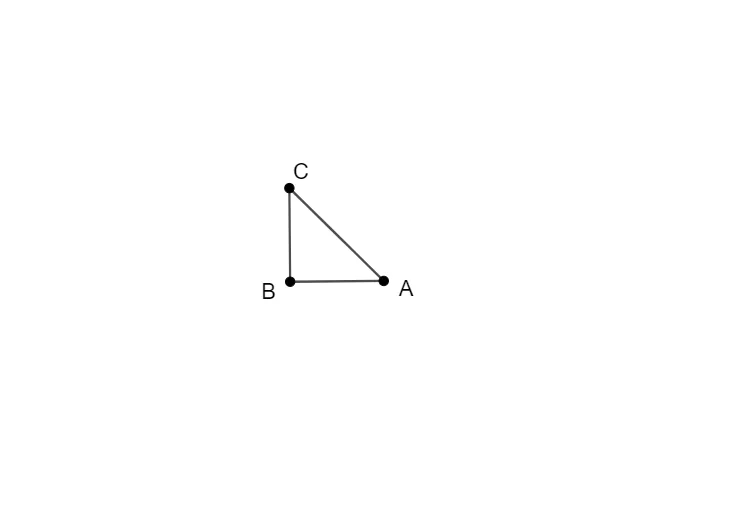
This example demonstrates the application of rotation transformations in geometry using GeoGebra, focusing on the rotation effects of points, line segments, and polygons. Core math concepts include rotation, geometric transformations, coordinate geometry, and function graphing. It uses GeoGebra commands like Point, Rotate, and PolyLine for construction. Suitable for middle school and above mathematics education to understand geometric transformations and function relationships.
GeoGebra Commands & Parameters
Point(Circle[B, 2]) → ARotate(A, 90°, B) → CPolyLine(A, B, C, A) → f
AI Drawing Prompt Reference
Draw a circle centered at point B with radius 2, mark a point A on the circle, then rotate point A 90 degrees clockwise around point B to get point C, and finally connect points A, B, and C in sequence to form a closed quadrilateral, demonstrating the effect of rotation transformation.
The prompt above was compiled from the original drawing commands and is for reference only.