
Rotation Grid 3
Loading the math board and drawing, please wait…
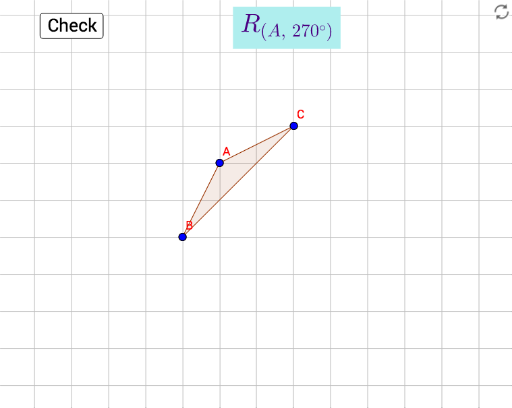
This example demonstrates the dynamic process of generating a grid pattern by rotating polygons. It involves core mathematical concepts such as rotation, special points, fractions, linear functions, sequences and series, and cylinder geometry. Key GeoGebra commands and objects used include Polygon, Line, Rotate, angles (α), points (P, A, B, C), polygons (poly1, poly3), functions (f, d, e), and sliders for animation. Suitable for high school mathematics education to understand the relationship between spatial geometric transformations and function graphs, as well as the generation patterns of sequences.
GeoGebra Commands & Parameters
Polygon(A, B, C) → poly1, c, a, bPolygon(A', B', C') → poly3, f, d, eLine(D, E) → gRotate(B, α, P) → target2Rotate(A, α, P) → target1Rotate(C, α, P) → target3Polygon(target1, target2, target3) → poly1', c'_1, a'_1, b'_1
AI Drawing Prompt Reference
Draw a dynamic grid pattern showing the process of generating shapes by rotating polygons. Start by creating a polygon, then rotate its vertices to form new polygons and connect these vertices with lines. Use a slider to control the rotation angle and observe how the grid pattern evolves with changes in the angle, demonstrating the mathematical relationship between rotation, function graphs, and sequence generation.
The prompt above was compiled from the original drawing commands and is for reference only.