
Rotating a Rectangle Around an Axis by Kara
Loading the math board and drawing, please wait…
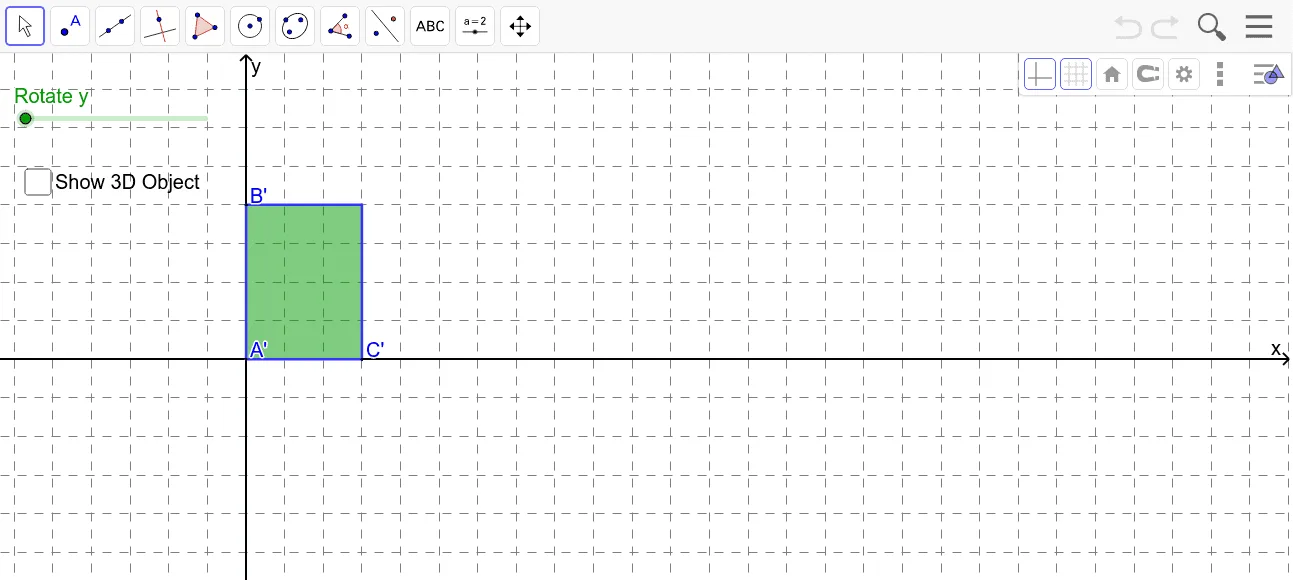
This interactive worksheet demonstrates how a rectangle attached to an axis, when rotated around that axis, generates a three-dimensional solid (typically a cylinder). It visually explores the concept of solids of revolution in solid geometry. The construction uses GeoGebra commands such as Polygon to define the rectangle, OrthogonalLine to create perpendicular reference lines, Circle and Cylinder to show the swept surface and resulting solid, Rotate to animate the rotation, and Intersect/Point to mark key vertices. Suitable for high school or introductory college students learning about rotational volumes and 3D shapes, and useful for teachers as a dynamic visual aid in geometry lessons.
GeoGebra Commands & Parameters
Intersect(xAxis, yAxis) → APoint(yAxis) → BPoint(xAxis) → COrthogonalLine(B, yAxis) → aOrthogonalLine(C, xAxis) → bIntersect(a, b) → DPolygon(B, D, C, A) → poly1, b_1, d, c, a_1Cylinder(A, B, c) → e, f, g, hCircle(A, c, yAxis) → kCircle(B, c, yAxis) → pRotate(B, (-r), yAxis) → B'Rotate(D, (-r), yAxis) → D'Rotate(C, (-r), yAxis) → C'Rotate(A, (-r), yAxis) → A'Polygon(B', D', C', A') → poly1', b', d', c', a'
AI Drawing Prompt Reference
Draw a rectangle with one side fixed along an axis, then rotate it around that axis to demonstrate the 3D solid shape generated, like a cylinder. Start by sketching the rectangle and the axis, then rotate the vertices of the rectangle to form the 3D effect, using circles to show the rotation path.
The prompt above was compiled from the original drawing commands and is for reference only.