
Rotate a Point About the Origin
Loading the math board and drawing, please wait…
In collections
Transformations and Symmetry
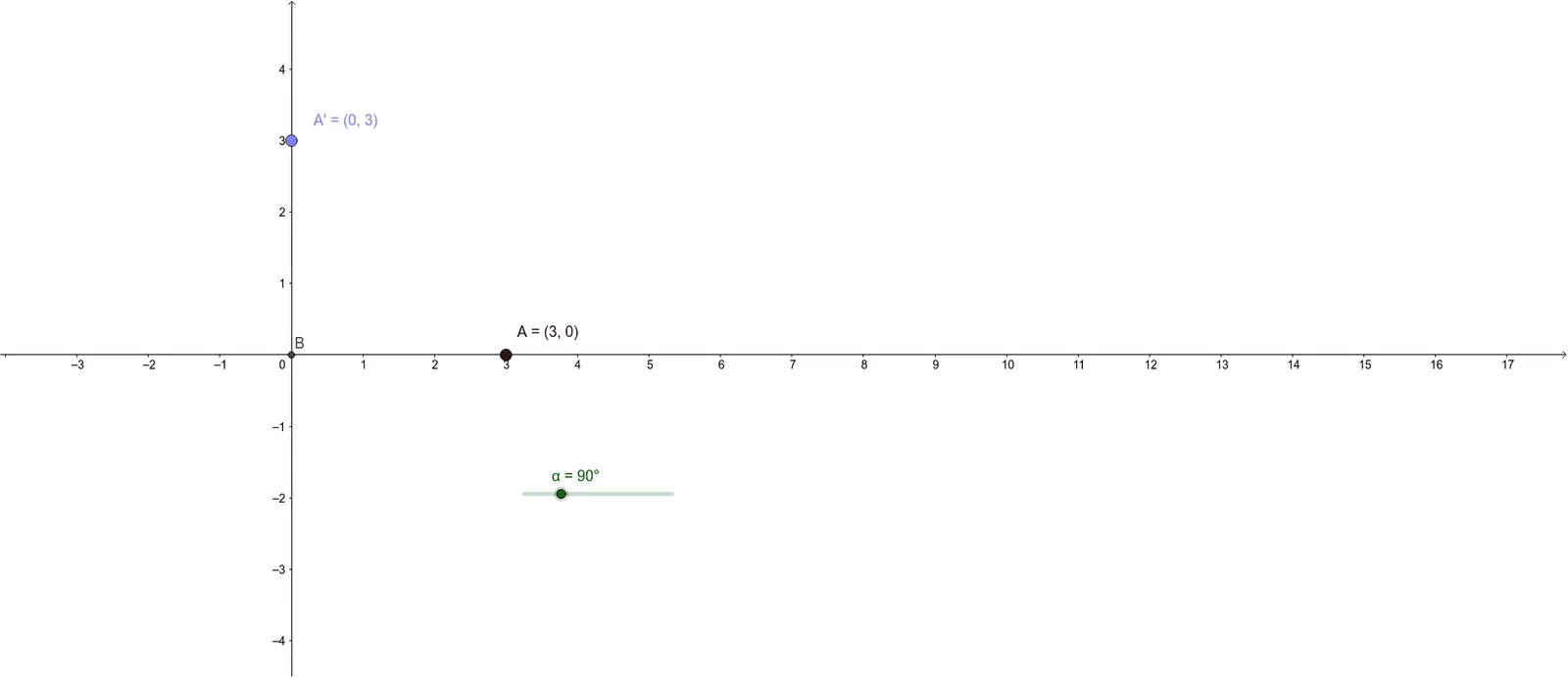
This example demonstrates the rotation of a point 90 degrees counterclockwise about the origin. The key mathematical concept is rotation transformation. By adjusting the angle with a slider, you can observe the path of the point. The construction uses the commands Intersect, Point, and Rotate. Suitable for middle school and above students learning geometric transformations.
GeoGebra Commands & Parameters
Intersect(xAxis, yAxis) → BPoint(xAxis) → ARotate(A, α, B) → A'
AI Drawing Prompt Reference
Draw a point A on the x-axis and rotate it 90 degrees counterclockwise around the origin O to get point A'. Adjust the angle with a slider to observe the path of point A.
The prompt above was compiled from the original drawing commands and is for reference only.