
Right Cylinder Construction
Loading the math board and drawing, please wait…
In collections
Volume Project
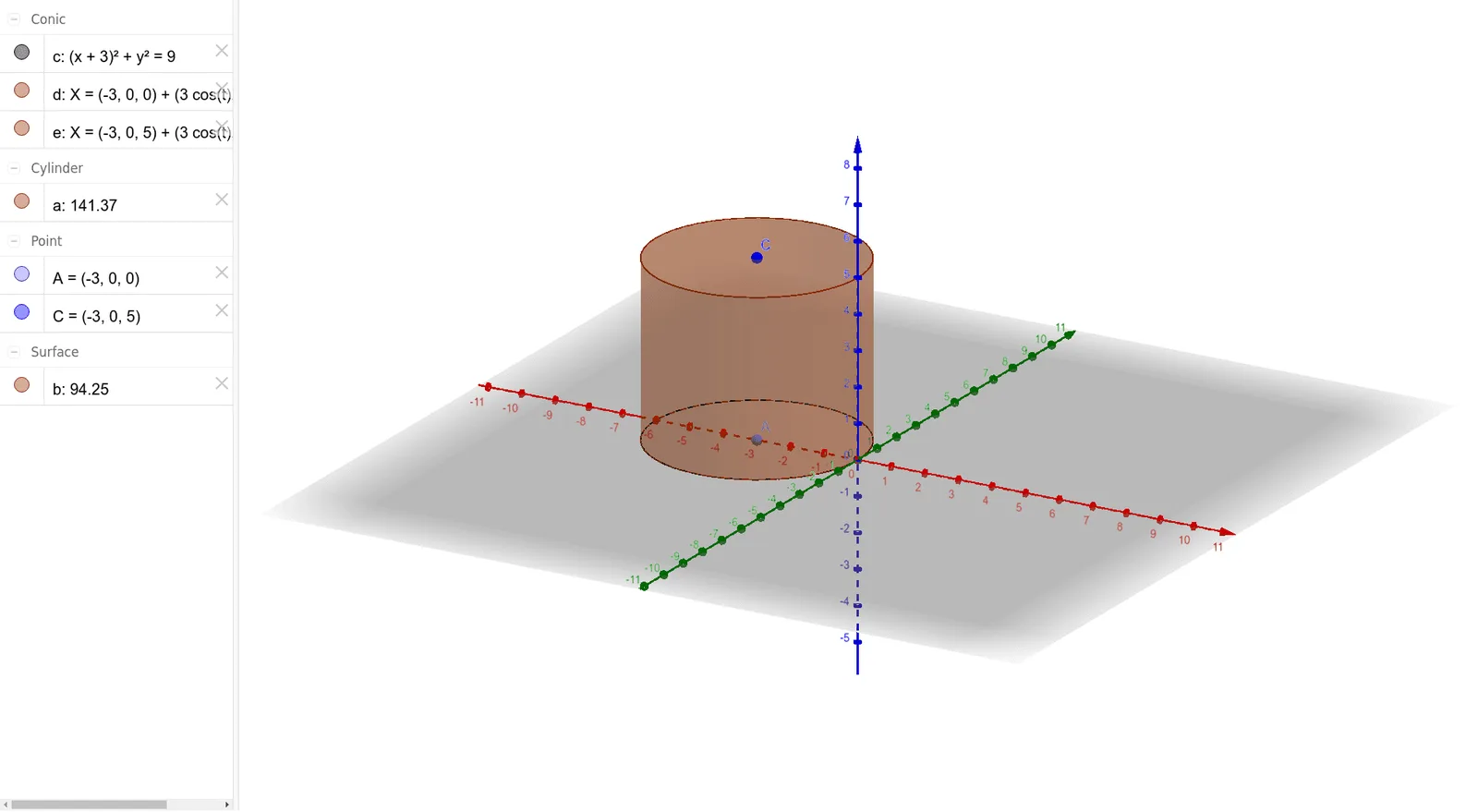
This example demonstrates how to construct a right cylinder using GeoGebra, involving core math concepts like solid geometry, circles, and coordinate geometry. Key GeoGebra commands/objects used include Point, Circle, and Cylinder. Suitable for high school mathematics teaching and geometry learning.
GeoGebra Commands & Parameters
Point(xAxis) → ACircle(A, 3) → cCylinder(A, C, 3) → a, d, e, b
AI Drawing Prompt Reference
Draw a right cylinder by first plotting a point on the x-axis, then drawing a circle centered at this point with a radius of 3, and finally constructing a cylinder using this circle and the x-axis point.
The prompt above was compiled from the original drawing commands and is for reference only.