
Right Cone: 3D Geometric Construction
Loading the math board and drawing, please wait…
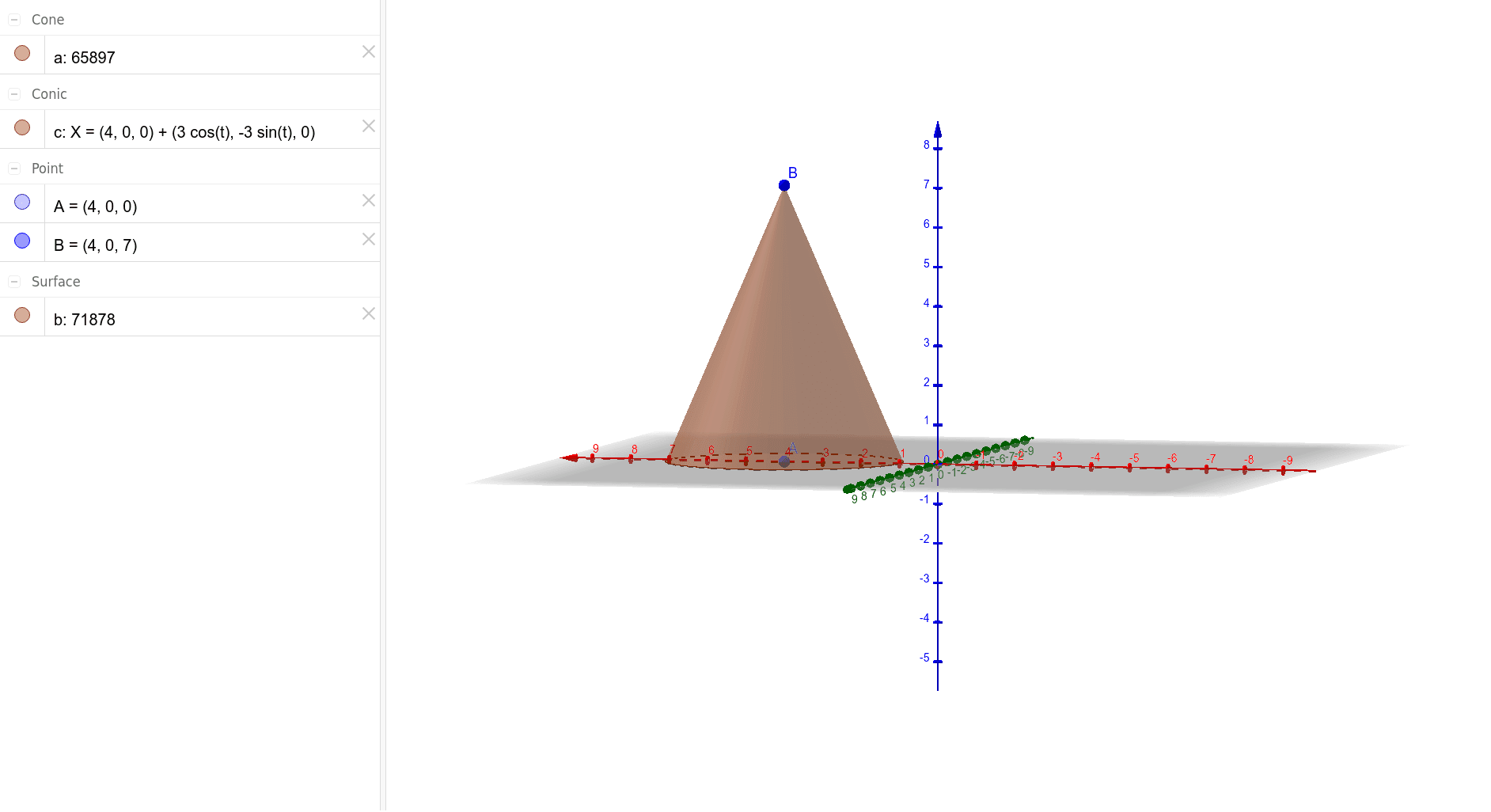
①This GeoGebra example demonstrates a right cone in 3D space, showing its apex, circular base, and lateral surface clearly. ②Core mathematical concepts include solid geometry definitions of a cone, base radius, height, slant height, and the idea of a surface of revolution; it also connects to comparing volumes of cones and cylinders. ③Construction details: using the Point command to create apex A and base center B, then the Cone command with parameters (A, B, radius a) generates the cone; objects include points A, B, segments c and b, and the cone a, illustrating a step-by-step 3D construction from basic elements. ④Suitable for high school geometry (introductory and advanced) as a visual aid, and for college-level spatial reasoning exercises; it can also serve as a geometric model in probability/statistics contexts like random experiments or hypothesis testing.
GeoGebra Commands & Parameters
Point(xAxis) → ACone(A, B, 3) → a, c, b
AI Drawing Prompt Reference
Draw a right cone in 3D space, clearly showing its apex, circular base, and lateral surface, including the base radius, height, and slant height. Start by creating a point on the x-axis, then create another point as the base center, and generate the cone using the first point as the apex, the second point as the base center, and a radius of 3, connecting the apex and base center with a line segment to illustrate the construction.
The prompt above was compiled from the original drawing commands and is for reference only.