
Right Cone: 3D Construction and Geometric Visualization
Loading the math board and drawing, please wait…
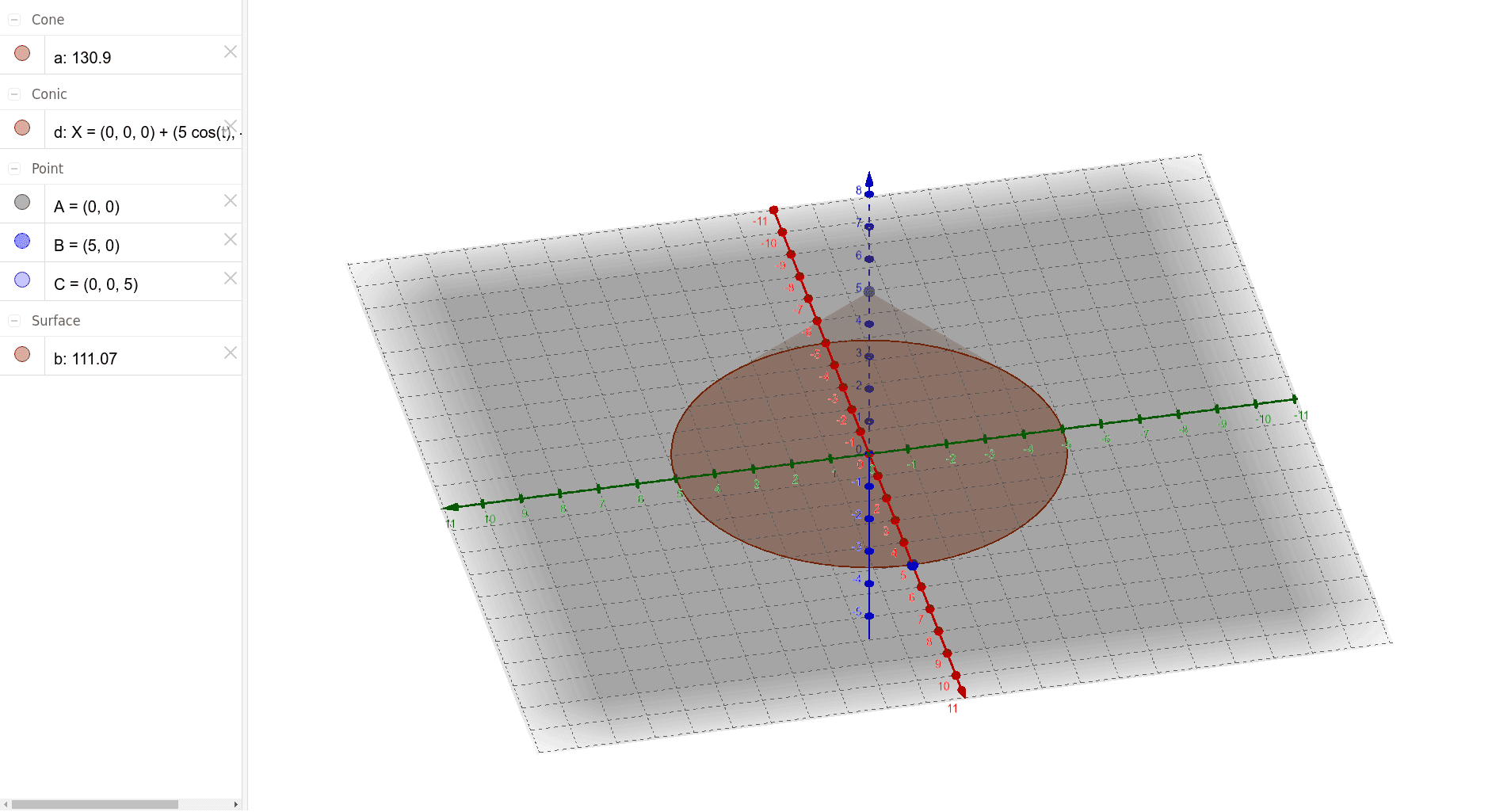
This GeoGebra example demonstrates the construction of a right cone in three-dimensional space, using points, lines, and the Cone command to create an interactive solid. The core mathematical concepts include solid geometry fundamentals such as the definition of a cone, its apex, base circle, and slant height, along with auxiliary elements like rhombus and polynomial functions that may define constraints. The construction steps involve the Intersect command to find intersection points, Point to place key vertices A, B, C, and Cone to generate the solid based on a base point and direction vector; objects a, d, b likely serve as auxiliary lines or vectors determining the cone's height and base radius. This resource is suitable for high school or early college students learning about parametric construction of 3D shapes, and serves as a visual aid for teaching spatial reasoning in geometry classes.
GeoGebra Commands & Parameters
Intersect(xAxis, yAxis) → APoint(zAxis) → CCone(A, C, 5) → a, d, b