
Revolution Volume Integration Demo
Loading the math board and drawing, please wait…
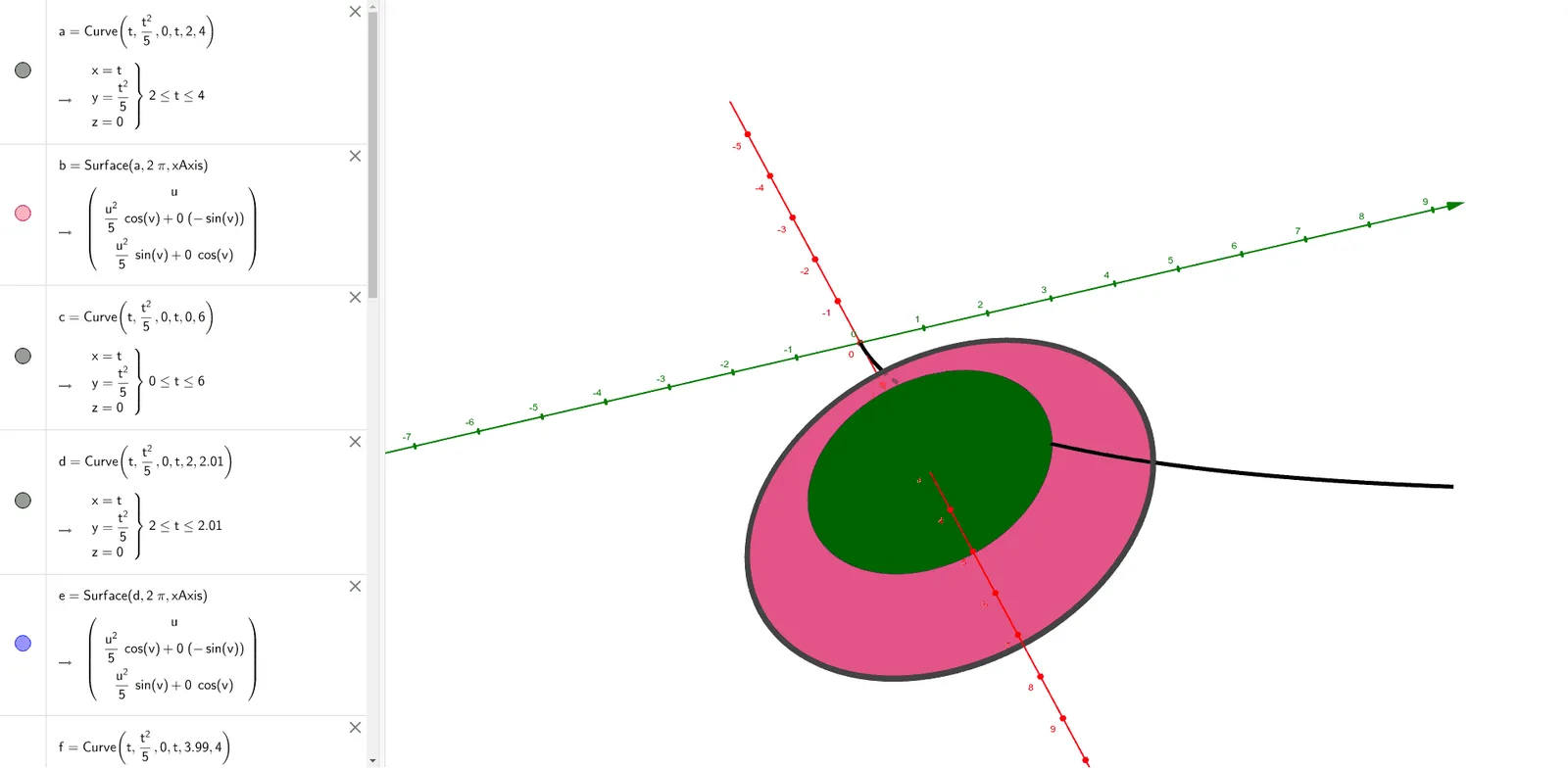
① This example dynamically displays a solid of revolution formed by rotating a plane curve around an axis, and visually demonstrates the volume calculation via integration. ② Core mathematical concept: definite integral applied to volumes of revolution (disk/washer or shell method), involving integration variables, bounds, and accumulation of volume elements. ③ Construction: uses GeoGebra commands CurveCartesian to define the generating curve and Surface to create the rotated surface; sliders control rotation angle or curve parameters to animate the volume; objects a–n likely include curve equations, axis, integration interval, and computed volume values. ④ Suitable for high school advanced or college calculus courses, for classroom demonstrations or student exploration of volume by integration.
GeoGebra Commands & Parameters
CurveCartesian(t, t^(2) / 5, 0, t, 2, 4) → aSurface(a, (2 * π), xAxis) → bCurveCartesian(t, t^(2) / 5, 0, t, 0, 6) → cCurveCartesian(t, t^(2) / 5, 0, t, 2, 2.01) → dSurface(d, (2 * π), xAxis) → eCurveCartesian(t, t^(2) / 5, 0, t, 3.99, 4) → fSurface(a, (2 * π), yAxis) → hSurface(f, (2 * π), xAxis) → gCurveCartesian(t, t^(2) / 5, 0, t, 3, 3.1) → iSurface(i, (2 * π), xAxis) → jCurveCartesian(3, t^(2) / 5, 0, t, 0, 3) → kSurface(k, (2 * π), xAxis) → lCurveCartesian(3.1, t^(2) / 5, 0, t, 0, 3.1) → mSurface(m, (2 * π), xAxis) → n