
Reuteman 10.1
Loading the math board and drawing, please wait…
In collections
Honors PreCalc Ch. 10
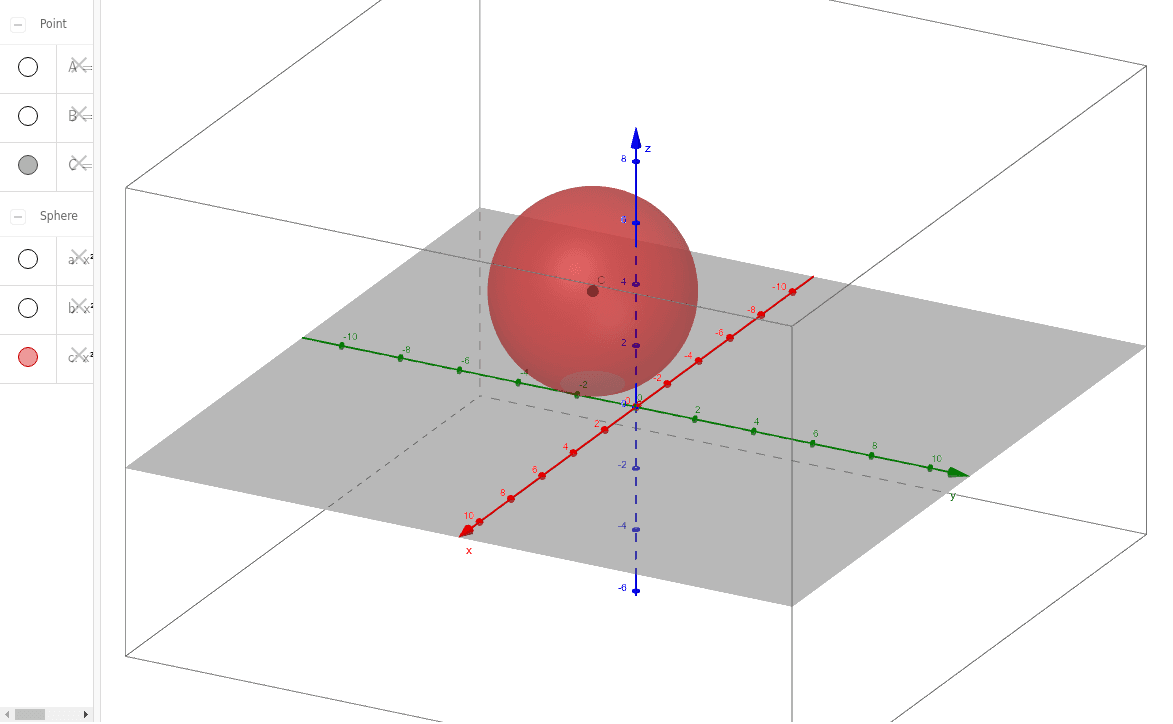
This example demonstrates the intersection of surfaces and geometric transformations in Reuteman 10.1. Using the Point command to create points a, A, b, B, c, C, it shows how to perform geometric transformations and construct special points in GeoGebra. Suitable for high school mathematics education and learning.
GeoGebra Commands & Parameters
Point({4, 0, 0}) → APoint({2, 3, 0}) → BPoint({-1, -2, 3}) → C
AI Drawing Prompt Reference
Draw a 3D geometric figure with three points A, B, and C. Point A is at (4, 0, 0), point B is at (2, 3, 0), and point C is at (-1, -2, 3). First create point A, then create point B, and finally create point C.
The prompt above was compiled from the original drawing commands and is for reference only.