
Resolving a 2D Vector
Loading the math board and drawing, please wait…
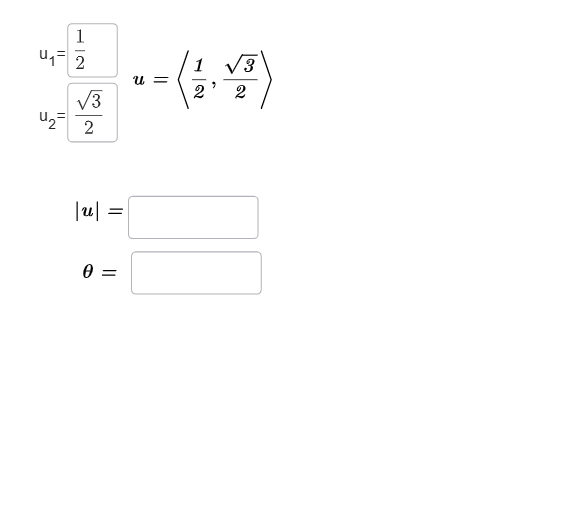
This example demonstrates the resolution of a 2D vector through geometric construction and coordinate analysis. Key mathematical concepts include vector operations, coordinate geometry, and the unit circle. The construction involves using GeoGebra commands such as Vector, Angle, Length, and Textfield to create vector diagrams. It is suitable for high school students or college freshmen learning vector basics and geometric applications.
GeoGebra Commands & Parameters
Textfield(a) → u_1Textfield(b) → u_2SurdText(a) → text1SurdText(b) → text2Vector((a, b)) → uVector((1, 0, 0)) → iVector((0, 1, 0)) → jVector((0, 0, 1)) → kAngle(i, u) → θTextfield(c) → InputBox1Textfield(d) → InputBox2Length(u) → Magnitude
AI Drawing Prompt Reference
Create a 2D coordinate diagram with a vector u originating at the origin and pointing to (a, b), where a and b are given parameters. Draw the unit direction vectors i along the positive x-axis and j along the positive y-axis. Mark the angle θ between i and u, placing the angle label on the figure. Show text labels near a and b (text1 and text2). Include two input text boxes labeled for parameters c and d, and display the vector’s length (magnitude) as Magnitude.
The prompt above was compiled from the original drawing commands and is for reference only.