
Representing Numbers on a Number Line (Random Points & Vectors)
Loading the math board and drawing, please wait…
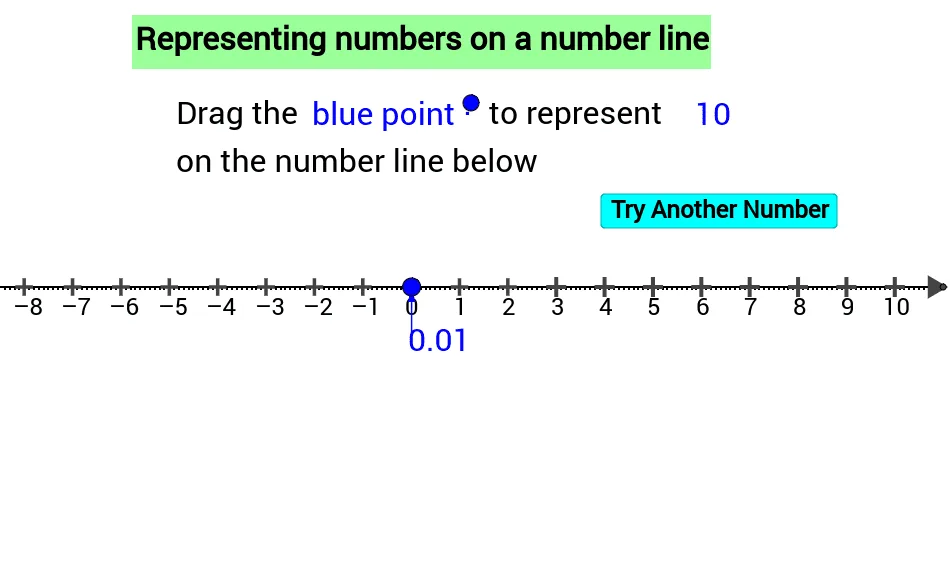
① This GeoGebra example dynamically demonstrates how to randomly generate points on a number line and label their values, visually connecting numbers to their positions. ② Core math concepts include the number line, real number representation, random number generation, and basic vector usage, involving one-dimensional coordinate geometry. ③ Construction highlights: uses Random and RandomElement commands to generate random values, Vector command for arrows/direction indicators, multiple text objects (text2, text4, etc.) for labels, a button (button1) to trigger random refresh, and numerous auxiliary points (A1-B17) for layout and interactivity. ④ Suitable for upper elementary to middle school students learning number lines, or for teachers demonstrating random number mapping interactively in class.
GeoGebra Commands & Parameters
Random(-90, 110) → n_1Random(-8, 10) → n_2RandomElement({n_2, n_1 / 10, n_2}) → n_qVector((n, -1), (n, 0)) → u