
Reflection Transformations by rgelenitis
Loading the math board and drawing, please wait…
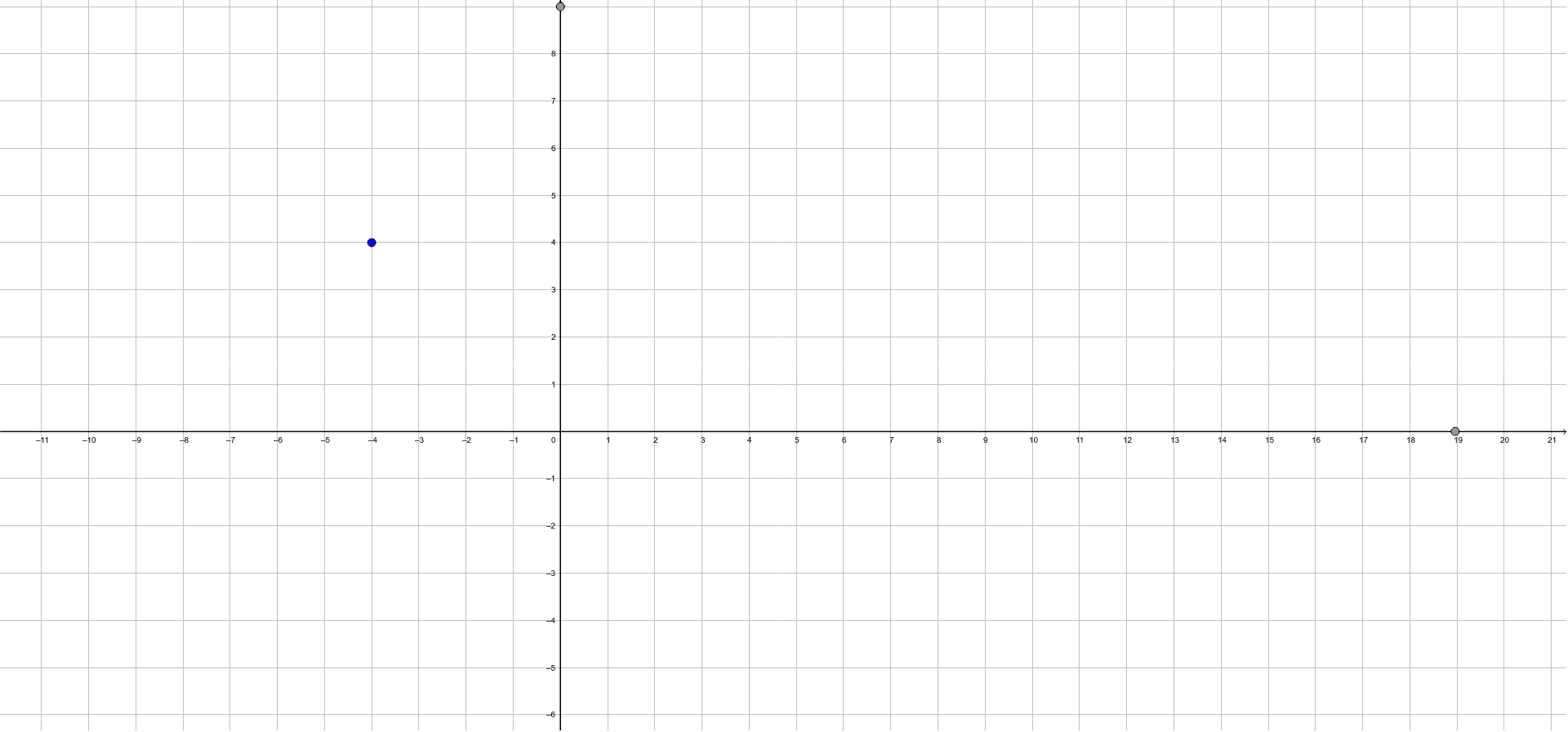
This example demonstrates how to perform reflection transformations using GeoGebra and observe their geometric effects. The core math concepts involved include reflection, geometric transformations, and coordinate geometry. Construction highlights involve using the Point command to create points, the Line command to create lines, and the Mirror command for reflection. Suitable for high school students learning geometric transformations.
GeoGebra Commands & Parameters
Point(yAxis) → BPoint(yAxis) → CLine(B, C) → fPoint(xAxis) → ELine(D, E) → gMirror(f, yAxis) → f'Mirror(f', f) → f''
AI Drawing Prompt Reference
On a coordinate plane, place two points on the vertical axis and connect them with a straight line to form a vertical reference line. Then, place a point on the horizontal axis and connect it to another point (not on the axes) to create a slanted line. Reflect this slanted line across the vertical axis to obtain its mirror image. Finally, reflect this mirror image across the original vertical reference line to produce the final line. The construction shows two original lines and two reflected lines, along with the key points on the axes, illustrating the effect of successive reflections.
The prompt above was compiled from the original drawing commands and is for reference only.