
Reflecting over Perpendicular Lines
Loading the math board and drawing, please wait…
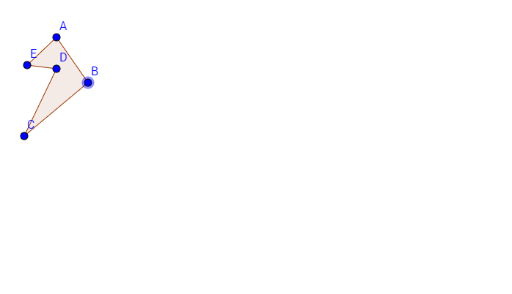
① This example demonstrates what happens when a polygon (formed by points A, B, C, D, E) is reflected successively over two perpendicular lines, and how the final image relates to the original figure. ② The core mathematical concept is reflection (axial symmetry) and its composition: when the two axes are perpendicular, the double reflection is equivalent to a 180° rotation about their intersection point, a key result in Euclidean transformation groups. ③ Construction details: from the summary, the GeoGebra command Polygon is used to create poly1, with points A, B, C, D, E and lines a, b, c, d, e defined; the reflection over perpendicular lines is performed using reflection tools or commands, allowing observation of the final position and orientation. ④ This is suitable for middle or high school geometry lessons on transformations and symmetry, as well as introductory college geometry or linear algebra discussions on orthogonal transformations, helping students intuitively grasp the equivalence between double reflection and rotation.
GeoGebra Commands & Parameters
Polygon(A, B, C, D, E) → poly1, a, b, c, d, e
AI Drawing Prompt Reference
Create a pentagon using points A, B, C, D, and E. Then, choose two perpendicular lines and reflect the pentagon over each line successively. Observe the final position and orientation of the figure to understand that two consecutive perpendicular reflections are equivalent to a 180-degree rotation around their intersection point.
The prompt above was compiled from the original drawing commands and is for reference only.